USB Connector Cast Phone to TV

USB Connector Cast Phone to TV

Libraries & Demo2.0.4
3.5

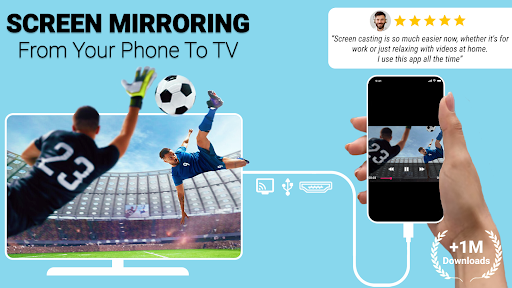
Stream your phone to TV with USB Connector Cast Phone to TV, the reliable app for wireless and wired screen mirroring. Download now for easy big-screen sharing!

Screenshots
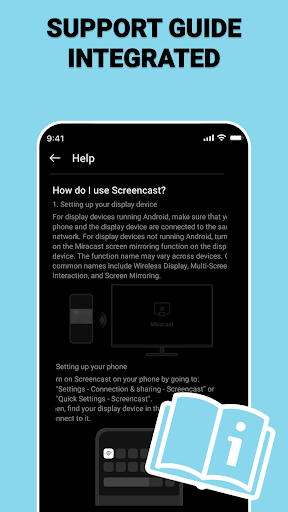
USB Connector Cast Phone to TV Screenshot 1USB Connector Cast Phone to TV Screenshot 2USB Connector Cast Phone to TV Screenshot 3USB Connector Cast Phone to TV Screenshot 4USB Connector Cast Phone to TV Screenshot 5USB Connector Cast Phone to TV Screenshot 6USB Connector Cast Phone to TV Screenshot 7USB Connector Cast Phone to TV Screenshot 8USB Connector Cast Phone to TV Screenshot 9USB Connector Cast Phone to TV Screenshot 10USB Connector Cast Phone to TV Screenshot 11USB Connector Cast Phone to TV Screenshot 12USB Connector Cast Phone to TV Screenshot 13USB Connector Cast Phone to TV Screenshot 14USB Connector Cast Phone to TV Screenshot 15USB Connector Cast Phone to TV Screenshot 16USB Connector Cast Phone to TV Screenshot 17USB Connector Cast Phone to TV Screenshot 18USB Connector Cast Phone to TV Screenshot 19USB Connector Cast Phone to TV Screenshot 20USB Connector Cast Phone to TV Screenshot 21USB Connector Cast Phone to TV Screenshot 22USB Connector Cast Phone to TV Screenshot 23USB Connector Cast Phone to TV Screenshot 24USB Connector Cast Phone to TV Screenshot 25USB Connector Cast Phone to TV Screenshot 26USB Connector Cast Phone to TV Screenshot 27USB Connector Cast Phone to TV Screenshot 28USB Connector Cast Phone to TV Screenshot 29USB Connector Cast Phone to TV Screenshot 30USB Connector Cast Phone to TV Screenshot 31USB Connector Cast Phone to TV Screenshot 32

Download USB Connector Cast Phone to TV

You are going to be redirected to the official website to finish the download when you click the button below.

About USB Connector Cast Phone to TV

USB Connector Cast Phone to TV is a user-friendly Android app designed to simplify the process of sharing your phone's screen and media content with a larger display. It offers a straightforward, reliable app experience, making it an ideal app-based solution for connecting your device to a TV or projector using a USB connection. This app enhances your viewing and presentation capabilities with easy-to-use features tailored for a seamless experience across Android devices.

Overview

Core Features

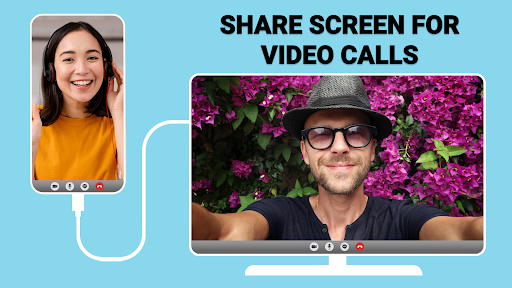
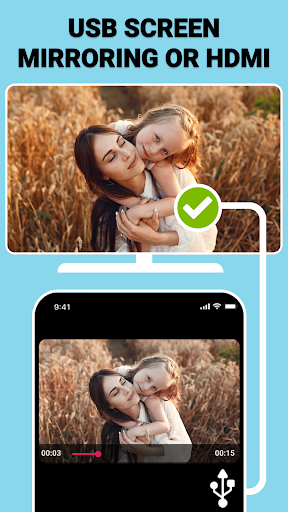
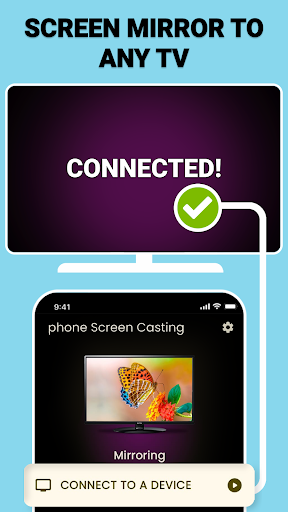
  • The app features a reliable USB connection that allows seamless casting of phone screens to TV devices.
  • It includes an intuitive launcher app interface, making it easy for users to control and switch between screen modes effortlessly.
  • Supports high-quality video and audio transmission, ensuring a smooth app experience for multimedia playback.
  • Offers a stable connection with real-time sync, reducing lag during screen mirroring sessions.
  • Provides compatibility with various Android devices and TVs, making it a versatile app-based solution.
  • Allows users to easily mirror their phone content without the need for additional hardware or complex setups.
  • Features settings to optimize performance, including adjustable resolution and connection preferences.
  • Includes safety features to ensure secure data transmission, contributing to the app's trustworthiness.

Who This App Is For

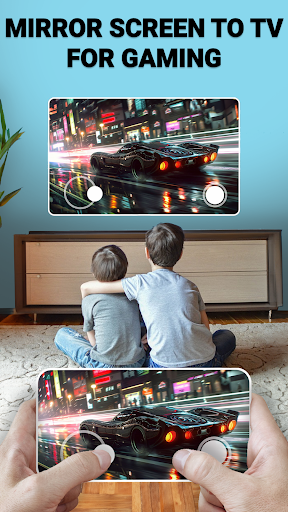
This mobile app is ideal for tech-savvy users, students, and professionals who want quick, hassle-free screen sharing from their Android devices. Fans of multimedia content will appreciate its high-quality casting features.

Whether for presentations, entertainment, or remote work, this app-based solution is perfect for anyone needing reliable phone-to-TV connectivity to enhance their app experience in real-world scenarios.

Why Choose This App

This Android app stands out thanks to its user-friendly design and robust app features that deliver a seamless casting experience. It offers a trustworthy solution for screen sharing without complicated setups.

By providing stable connections and excellent compatibility, this launcher app ensures users can focus on their tasks or entertainment, making it a practical choice for everyday use and elevating the overall app experience.

Features

Seamless Screen Sharing with Multiple Connectivity Options

Fast and Stable Mirroring for Clear Content Display

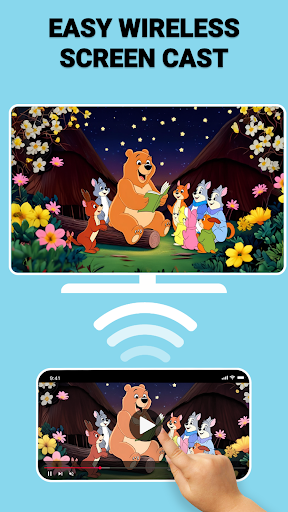
Wireless Casting for Cord-Free Convenience

Wired USB Connection for Reliable Performance

Instant Screen Mirroring with One Tap Setup

Customizable Resolution for Optimal Image Quality

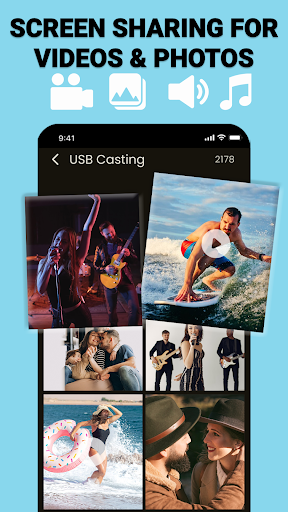
Versatile Content Sharing for Photos and Videos

User-Friendly Interface for Effortless Screen Projection

Pros

  • +
    Easy Phone to TV Casting
    Allows quick connection of your phone to a TV via USB, reducing setup time.
  • +
    No Wi-Fi Required
    Works without relying on Wi-Fi, making it suitable for environments with restricted network access.
  • +
    Stable Connection Stability
    Provides a consistent connection with minimal lag during casting, ideal for presentations.
  • +
    Supports Multiple Devices
    Compatible with various phone and TV models, broadening usability.
  • +
    User-Friendly Interface
    Features an intuitive UI that simplifies the casting process for all users.

Cons

  • -
    Limited Device Compatibility
    Some newer phones or TVs may not be supported, requiring updates for broader compatibility.
    medium
  • -
    Requires USB Debugging Enabled
    Users need to enable USB debugging, which might be confusing for non-technical users.
    low
  • -
    Potential Quality Loss
    Video and audio quality may degrade over longer cables or low-quality ports.
    medium
  • -
    Limited Advanced Features
    Lacks advanced options like screen mirroring settings or resolution adjustments.
    low
  • -
    Occasional Connection Drops
    Connections might drop intermittently; using high-quality cables can mitigate this issue temporarily.
    medium

FAQ

Is the USB Connector Cast Phone to TV app easy to set up on my device?

Yes, the app is designed to be straightforward for users. Installing the USB Connector Cast Phone to TV app involves just a few simple steps, making it accessible even for those new to such mobile apps. Once installed, the app features an intuitive interface that guides you through the process of connecting your phone to your TV, ensuring a smooth app experience with minimal hassle.

Does this app work reliably with different Android devices?

Absolutely, the USB Connector Cast Phone to TV Android app is compatible with a wide range of devices, ensuring reliable performance across various hardware. Its app features are optimized for smooth operation on most Android smartphones and tablets. This launcher app provides a stable app based solution, giving you confidence that your connections will be steady and dependable, making it a trusted choice for mirroring or casting your phone screen to a larger display.

Is the app safe to use, and does it protect my privacy?

Yes, the app prioritizes user safety and data privacy. It is developed by reputable creators with experience in creating trustworthy mobile apps. You can use the USB Connector Cast Phone to TV app with confidence. The app ensures that your personal information remains secure and that your device's safety is maintained during use, adhering to standard security practices for app based solutions.

Can I cast my phone to a TV without needing a Wi-Fi connection?

Typically, the USB Connector Cast Phone to TV app requires a Wi-Fi network for seamless casting. However, some Android app versions support direct USB connections or other methods that can work without Wi-Fi. It's best to check the specific app features and compatibility details to determine if your setup allows for a direct connection, which can enhance your overall app experience by providing more flexibility.

Are there different versions of this app for iPhone or iPad?

Currently, the USB Connector Cast Phone to TV app is available primarily for Android devices. Information about an iOS version is not provided at this time. If you're looking for an app based solution for Apple devices, you may want to explore similar options compatible with iOS, but for Android, this app offers a reliable way to mirror your phone screen to your TV using various app features.

Will I need additional hardware to connect my phone to the TV?

In most cases, the app provides an app based solution that works with your existing hardware, such as a USB port or Wi-Fi connection. No extra hardware is needed if your devices support the app features. However, certain TVs or phones might require specific adapters or cast-compatible hardware. It's a good idea to verify your device's compatibility to ensure the app delivers the best app experience.

How can I ensure the best app experience with this launcher app?

To get the most out of the USB Connector Cast Phone to TV app, make sure your device firmware is up-to-date, and follow the app instructions carefully. Using a strong, stable internet connection can significantly improve app performance. The app features an easy-to-use interface and real-time casting capabilities, providing a smooth app experience for those seeking a simple but effective way to connect their device to a TV.

Are there any known issues or limitations with the app?

While the app is generally reliable, some users might experience occasional connectivity issues depending on device compatibility or network stability. Checking for updates can help resolve certain bugs. For the best app experience, ensure your Android device meets the recommended specifications, and review the app's help resources or support channels for troubleshooting tips.

Recommended

More →