
Sky Go
Sky Go streams live TV, films, and sport. shows offline. Free for Sky TV. Sky Mobile: zero-data streaming. now!
Screenshots
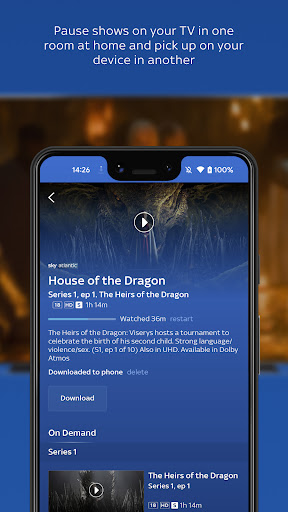
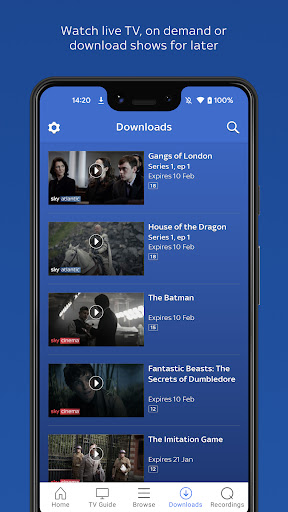
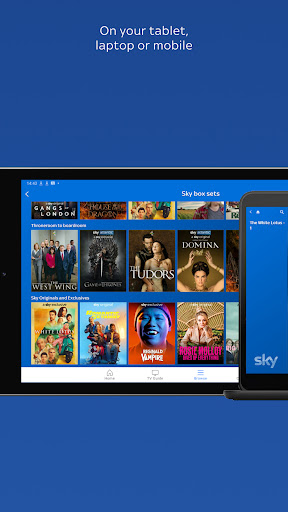
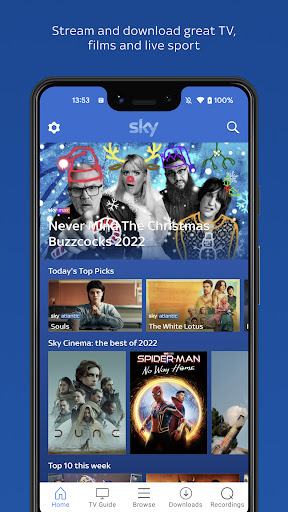
Download Sky Go
You are going to be redirected to the official website to finish the download when you click the button below.
About Sky Go
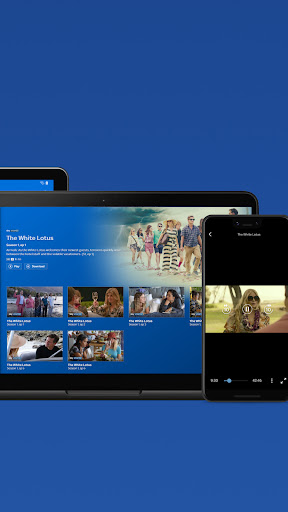
Sky Go is a mobile app that brings live and on-demand Sky TV content straight to your Android device. It lets subscribers stream sports, movies, and shows anywhere, offering a reliable app experience without needing a satellite dish or set-top box nearby.
Overview
Core Features
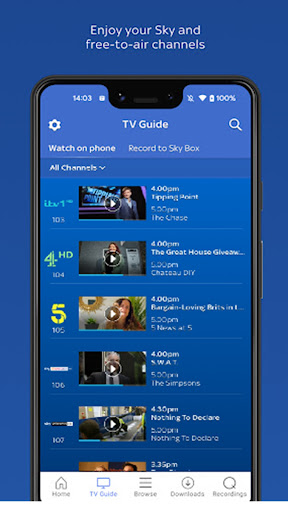
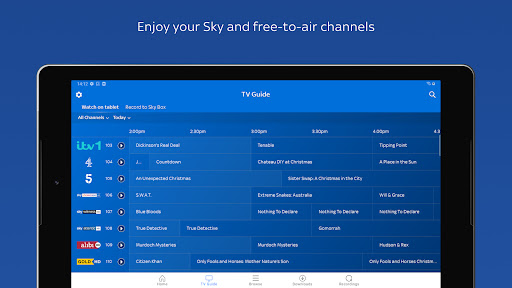
- Watch live TV channels from your Sky subscription directly on your mobile app, wherever you are.
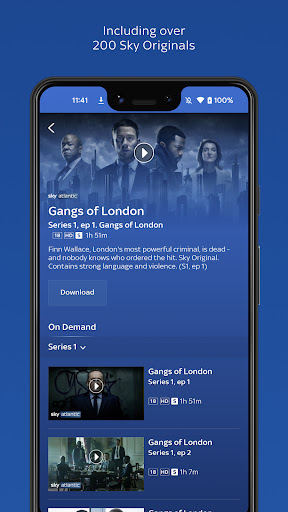
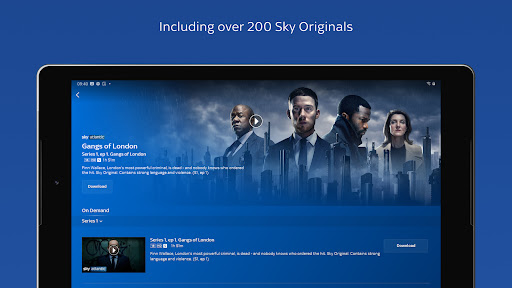
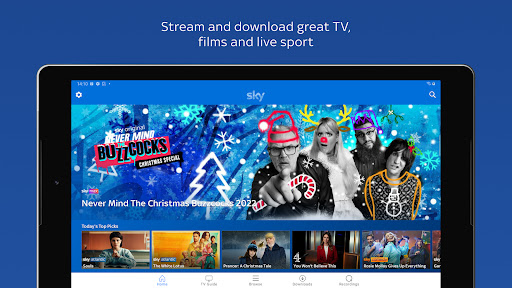
- Access thousands of on-demand shows, movies, and sports with just a few taps on this Android app.
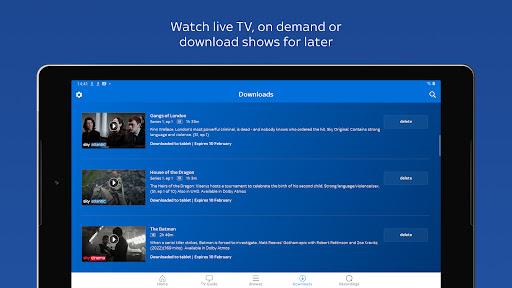
- Download select programs to your device for offline viewing, perfect for travel or commutes.
- Record live shows remotely and stream them back later using the built-in cloud storage.
- Manage your Sky TV planner and set reminders for upcoming premieres or big games.
- Stream in full HD quality with adaptive bitrate technology for a smooth app experience.
- Create favorite lists and get personalized recommendations based on your viewing history.
- Switch between multiple profiles within one app based solution for family-friendly control.
Who This App Is For
This is the perfect mobile app for existing Sky TV subscribers in the UK who want to take their entertainment on the go. It is designed for individuals and families aged 18 and above who already have a core Sky package at home.
Commuters use it to catch up on morning news or soap operas during their train rides. Sports fans rely on it to follow live football matches from the office, while parents set up kids' profiles for a controlled viewing app experience.
Why Choose This App
This app brings your entire Sky subscription into your pocket with no extra monthly fees, offering a true multi-screen experience. It stands out because it offers a deep integration with your existing TV service, not just a standalone streaming portal.
Unlike general streaming platforms, this Android app unlocks exclusive Sky content and sports channels that are tied to your home account. The app features seamless syncing between your TV and phone, solving the problem of missing your favorite live shows while away from home.
Features
Portable TV hub for endless entertainment
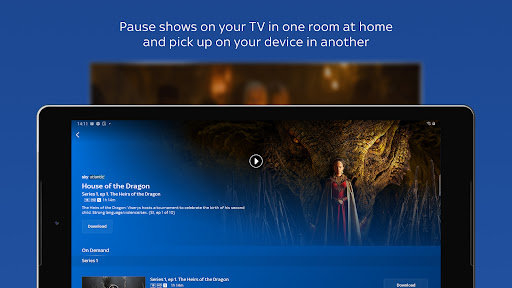
Seamless screen switching for uninterrupted viewing
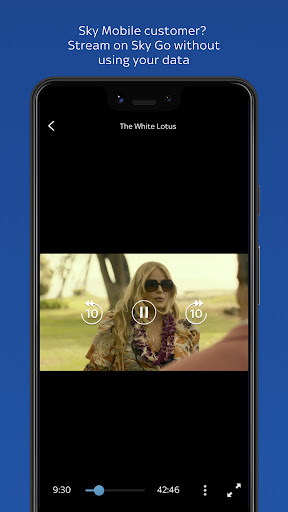
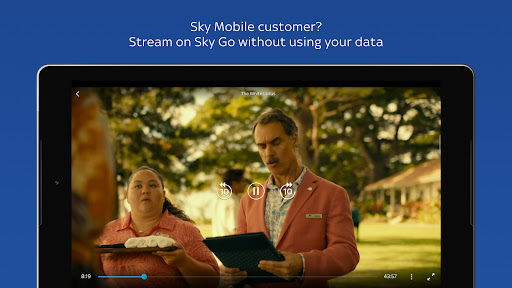
Zero-data streaming for Sky Mobile users
Offline downloads for travel and commutes
Live TV streaming for real-time sports
On-demand library for binge watching
Multi-device resume for flexible viewing
Garden shed streaming for uninterrupted privacy
Pros
- +Extensive live TV and on-demand librarySky Go offers a vast selection of live channels, including sports and entertainment, plus catch-up content, making it a one-stop streaming hub.
- +Offline downloads for mobile viewingYou can download shows and movies to your device, a lifesaver for commuting or flights with no internet access.
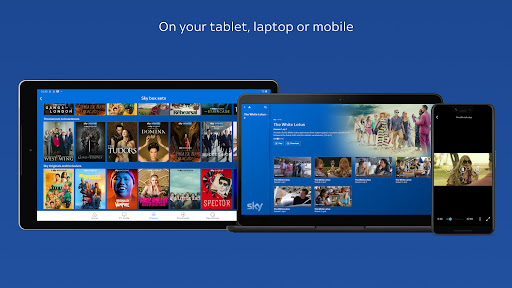
- +Multi-device support with seamless syncingThe app works flawlessly across smartphones, tablets, and computers, keeping your watch progress in sync without manual setup.
- +High-quality streaming with minimal bufferingOn a stable connection, Sky Go delivers crisp HD streams and rarely lags, outperforming many competitors during peak hours.
- +Parental controls and profile managementRobust PIN-based restrictions and separate user profiles let families tailor content access, a practical feature for safer viewing.
Cons
- -Limited to Sky TV subscribers onlyThe app is locked to existing Sky customers, excluding cord-cutters; a standalone subscription option would broaden its reach. Impact level: high
- -Restricted offline download capacityDownloaded content expires after 30 days and must be watched within 48 hours after playback starts, which feels unnecessarily strict for casual users. Temporary workaround: use mobile data carefully. Impact level: medium
- -No 4K or HDR streaming supportDespite being a premium service, Sky Go caps at 1080p, leaving out modern picture standards that rivals like Netflix now offer. Official improvements hinted for future updates. Impact level: medium
- -Clunky interface on certain devicesThe navigation menu can feel sluggish on older iPads and Android tablets, with occasional freezes when switching sections. Temporary fix: keep the app updated. Impact level: low
- -Advertisements even with a paid subscriptionPre-roll ads for Sky's own content interrupt playback on catch-up shows, which feels jarring given you already pay for the TV package. Temporary workaround: skip after 5 seconds. Impact level: low
FAQ
How do I log in to Sky Go?
To log in, open the mobile app and enter your Sky ID and password. If you don't have one, you can register through the Android app or the Sky website. Make sure your account is active and includes the Sky TV subscription required for access.
Is Sky Go free to use?
Sky Go is a complimentary service for Sky TV subscribers. You don't pay extra for the app based solution itself, but you need an active Sky TV package. Without a subscription, the app features will not be accessible. Check your plan eligibility on the Sky website.
Can I download shows to watch offline?
Yes, you can download selected content for offline viewing. Simply tap the download icon next to a show or movie within the Android app. This app experience lets you watch without an internet connection, but downloaded titles may expire after a set period.
Does Sky Go work on all devices?
The mobile app works on most modern smartphones and tablets running Android or iOS. For the best app experience, ensure your device meets the minimum system requirements listed on the Google Play store. Some older devices may not support all app features.
Why is Sky Go not working on my phone?
Common issues include outdated operating system, insufficient storage, or a poor internet connection. Try clearing the app cache or reinstalling the Android app. If the problem persists, check Sky's service status or contact their support team for further help.
Is Sky Go safe to download?
Yes, the mobile app from Sky is safe. It's available on official stores like Google Play and has strong encryption to protect your data. As with any Android app, only download from trusted sources and review permissions to ensure a secure app experience.





