

Saily: eSIM + phone number
Saily, the latest eSIM travel app for secure, reliable internet abroad. Enjoy instant connectivity, flexible plans, and global coverage. Free now!
Screenshots
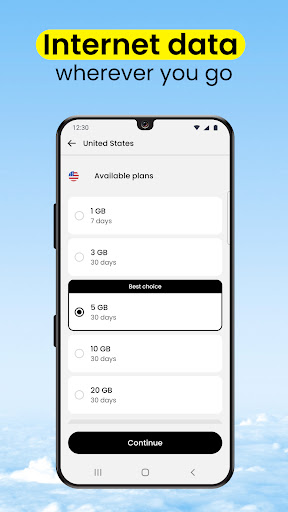
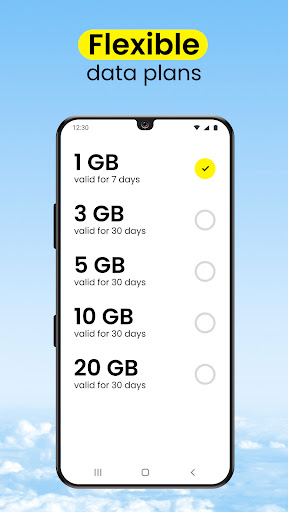
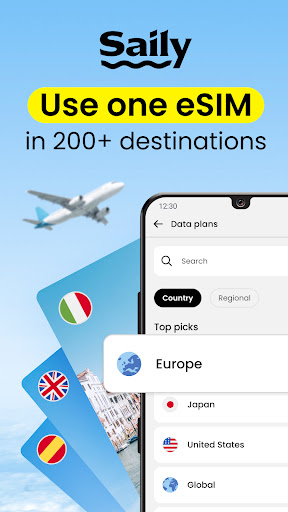
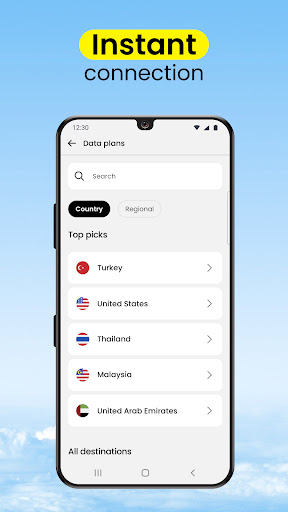
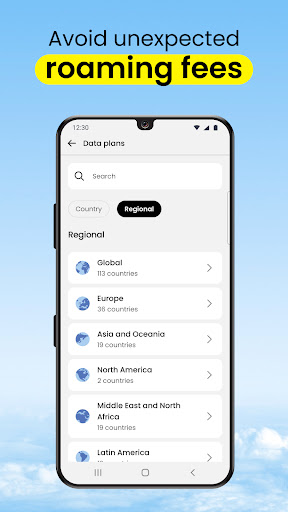
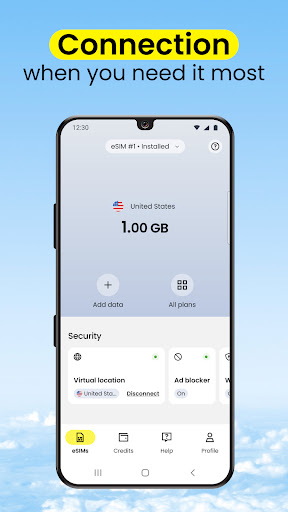
Download Saily: eSIM + phone number
You are going to be redirected to the official website to finish the download when you click the button below.
About Saily: eSIM + phone number
This app is a versatile travel and local guide solution designed to enhance your journeys with ease. As a dedicated mobile app, it specializes in eSIM management, allowing travelers to stay connected effortlessly without physical SIM cards. Its user-friendly interface and comprehensive features deliver a seamless app experience, making it an essential tool for modern travel on Android devices and beyond.
Overview
Core Features
- Supports eSIM technology, allowing users to activate cellular plans without physical SIM cards, simplifying travel setups.
- Seamless app features include real-time network switching, enabling smooth switch between local and international plans.
- Offers an intuitive launcher app interface that makes managing multiple eSIMs straightforward and quick.
- Provides detailed plan management tools, helping users track data usage and optimize their mobile experience abroad.
- Includes secure, app-based solution for activating and controlling eSIMs, enhancing privacy and convenience.
- Enables offline mode for select features, ensuring connectivity management even without internet access.
- Delivers a user-friendly app experience designed to minimize setup time and maximize usability for travelers.
Who This App Is For
This mobile app is ideal for frequent travelers, digital nomads, and anyone needing reliable cellular connectivity without swapping physical SIM cards. Its intuitive design suits users across all ages who want an easy app experience for managing eSIMs.
Whether planning a trip abroad or staying connected in remote areas, this app-based solution helps users activate and switch plans efficiently with minimal fuss, making it the go-to Android app for modern travelers.
Why Choose This App
This app offers a comprehensive set of app features tailored to simplify international travel and connectivity. Its user-centric design ensures a smooth app experience, backed by reliable technology.
Standing out among other solutions, it combines security, ease of use, and flexible plan management, making it a trusted Android app for seamless eSIM activation and management in today's connected world.
Features
1. Effortless connectivity with eSIM technology
2. Flexible plans for limitless travel advantages
3. Quick activation and management of data plans
4. Seamless international coverage for global travelers
5. Customized options for travel styles and needs
6. Enhanced security through encrypted traffic and ad blocking
7. Pre-trip setup for stress-free holiday planning
8. Eco-friendly solution reducing plastic waste
Pros
- +Easy eSIM activationUsers can quickly activate a travel eSIM directly through the app without visiting a physical store.
- +Wide global coverageSupports multiple countries and networks, making it convenient for international travelers.
- +User-friendly interfaceIntuitive design simplifies the process of purchasing and managing eSIM plans.
- +Cost-effective plansOffers competitive pricing tailored for travelers, saving money on roaming charges.
- +Instant customer supportProvides real-time assistance via chat, enhancing user experience during setup or issues.
Cons
- -Limited offline functionalitySome features require internet access, which may be problematic in remote areas; offline access could be improved.medium
- -Device compatibility constraintsNot all devices support eSIM activation through the app; users should check compatibility first.high
- -Dependence on stable internet connectionInitial setup and management require a reliable internet connection, potentially delaying activation in poor networks.high
- -Limited plan customization optionsCurrently, customization is basic; future updates could allow more tailored data and validity periods.low
- -Regional restrictions on certain featuresSome features may not be available in all countries due to local regulations; official plans to expand coverage are anticipated.medium





