
PLAYit-All in One Video Player
Enjoy seamless video playback, high-quality music, and easy media downloads with PLAYit All-in-One Media Player. Download now for a complete entertainment experience.
Screenshots
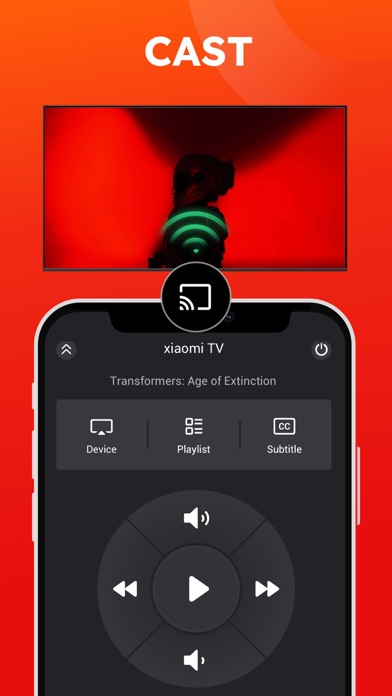
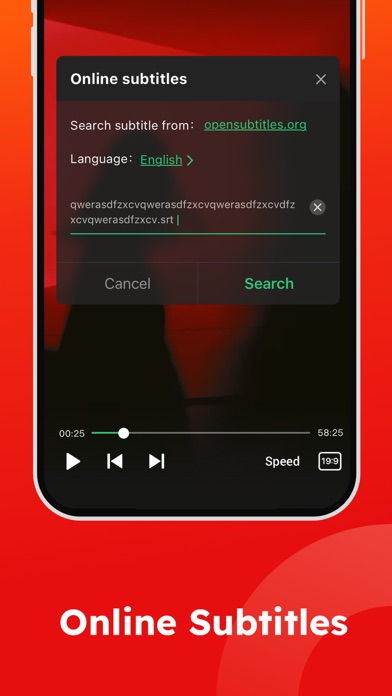
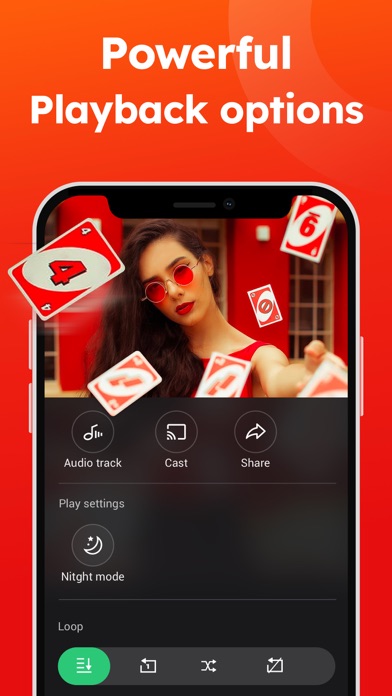
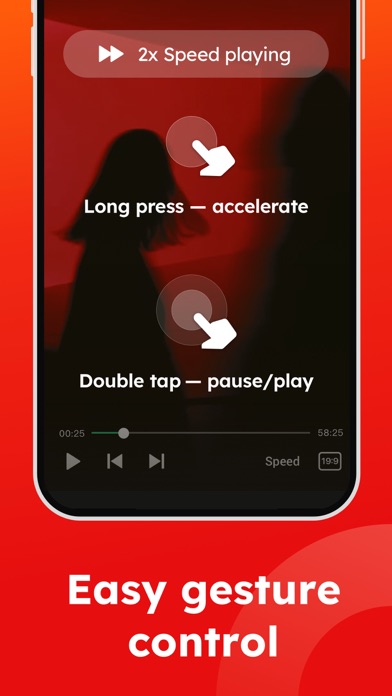
Download PLAYit-All in One Video Player
You are going to be redirected to the official website to finish the download when you click the button below.
About PLAYit-All in One Video Player
PLAYit - All in One Video Player is a versatile mobile app designed to provide a seamless video playback experience on your device. As a comprehensive app-based solution, it supports various video formats and offers user-friendly features that enhance how you enjoy your videos. Whether you are using an Android app or an iOS device, this app aims to deliver reliable performance and ease of use for all users.
Overview
Core Features
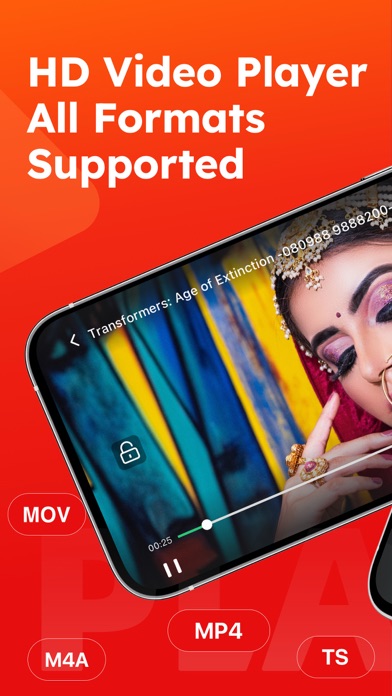
- Supports multiple video formats, ensuring smooth playback across various file types without conversion.
- Offers an intuitive interface with customizable gestures for easy navigation and control during viewing.
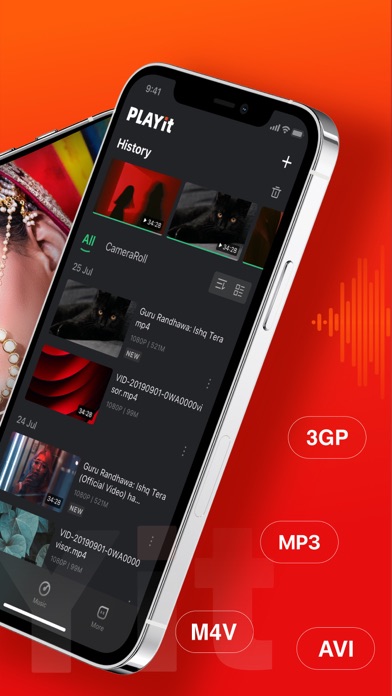
- Built-in playlist management allows quick access to your favorite videos, saving time and effort.
- Includes an offline mode so users can enjoy videos without an internet connection, ideal for on-the-go viewing.
- Provides app features like background playback and screen locking for an improved app experience.
- Integrates seamlessly with phone galleries and file managers, simplifying media access.
- Features a lightweight, ad-free environment if you prefer an uninterrupted viewing experience.
Who This App Is For
This mobile app is perfect for video lovers of all ages who want a reliable and user-friendly video player on their Android devices.
Whether you're a casual viewer or a multimedia enthusiast, this app-based solution caters to those seeking an all-in-one video player with enhanced app features and a smooth app experience.
Why Choose This App
This Android app stands out because of its versatile app features and user-centric design, delivering a reliable app experience for all users.
It solves common media playback issues by supporting multiple formats and offering offline access, making it a superior choice among launcher apps and video players alike.
Features
Introducing PLAYit - The Ultimate Media Player
Efficient media management for seamless entertainment
Powerful multi-format playback for versatile viewing
Intuitive features for easy media navigation
Secure private folders for content privacy
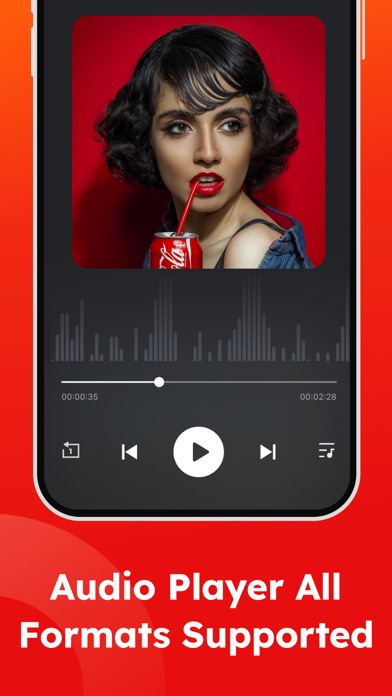
High-quality music playback and online search
Fast video downloading from social platforms
Instant media sharing without data usage
Smart controls for personalized viewing experience
Pros
- +Wide Format SupportPLAYit supports a variety of video formats such as MP4, MKV, AVI, and more, ensuring compatibility with most media files.
- +All-in-One FunctionalityIt combines video playback, subtitle management, and streaming features in a single app, reducing the need for multiple tools.
- +Ad-Free ExperienceThe app offers an ad-free interface, providing smooth and uninterrupted viewing.
- +User-Friendly InterfaceThe clean and intuitive design makes navigation and control easy for users of all levels.
- +Subtitle CustomizationAllows users to adjust subtitle size, style, and sync, enhancing viewing comfort.
Cons
- -Limited Playlist ManagementThe app's playlist features are basic and could benefit from advanced sorting and saving options.medium
- -Inconsistent Streaming PerformanceStreaming quality may fluctuate depending on network conditions, potentially causing buffering issues.high
- -Audio Sync Issues with Some VideosSome files experience audio lag or mismatch, which might require manual adjustment or app updates to fix.medium
- -Lack of Cloud BackupCurrently, there is no cloud backup for settings or playlists; users need to reconfigure after reinstalling.low
- -Limited Language Options for UIThe interface is primarily in English, which may not cater well to non-English speakers; official translation improvements are expected.low
FAQ
How do I install the PLAYit-All in One Video Player on my device?
Installing the PLAYit-All in One Video Player is straightforward on your device. Just find the app in the Google Play Store or Apple App Store and follow the usual steps to download and install it.
This mobile app works smoothly on Android devices, offering an easy setup process. It's designed to be user-friendly, ensuring that even new users can get started without any hassle. The app features make it a versatile choice for managing all your video needs.
Is the PLAYit app safe to use and free from malware?
Yes, the PLAYit-All in One Video Player is a safe and trustworthy app available on both Android and iOS platforms. It undergoes regular security checks to ensure user data remains protected.
As an app based solution, it prioritizes user privacy and integrity, making it a reliable choice for your video playback needs. Always ensure you download apps from official stores to avoid any security issues.
What are the main features of the PLAYit video player?
The app features include support for nearly all video formats, background playback, and easy playlist management. It also offers fast loading times and high-quality video playback, enhancing your app experience.
Additionally, PLAYit serves as a launcher app for quick access to your videos and files. Its intuitive interface makes it simple to browse and enjoy your media seamlessly, whether you're on an Android app or an iOS device.
Can I use PLAYit as a launcher app for my videos?
Yes, PLAYit can act as a launcher app, providing quick and easy access to your video library. This feature helps streamline your app experience by organizing your media for faster browsing.
Using PLAYit as a launcher app can significantly improve how you manage videos on your mobile device, making it a versatile app based solution for your entertainment needs.
Does the app support subtitles and multiple audio tracks?
Absolutely. The PLAYit-All in One Video Player supports subtitles and multiple audio tracks, making your viewing experience more flexible. You can choose audio options and subtitle languages easily within the app interface.
This feature enhances the app experience, especially when watching movies or videos in different languages, ensuring you get a tailored viewing session every time.