
MiraManager - File Manager
Discover MiraManager - File Manager, a versatile app for seamless device organization, privacy security, and cloud sync. now for an organized digital life!
Screenshots
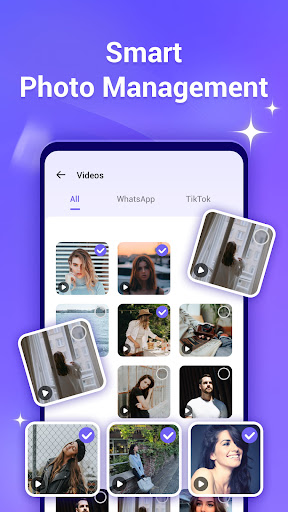
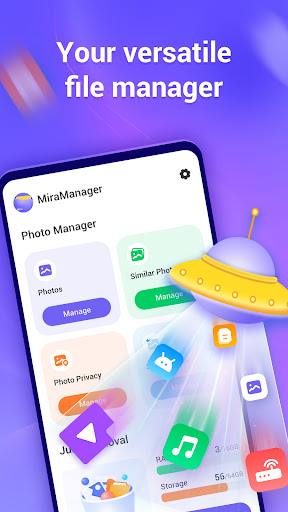
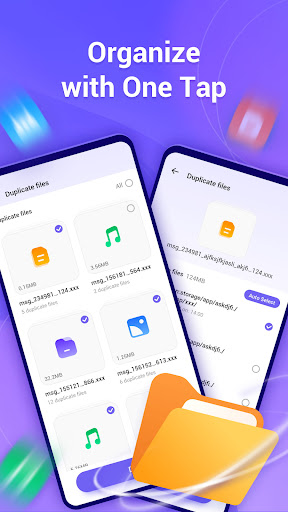
Download MiraManager - File Manager
You are going to be redirected to the official website to finish the download when you click the button below.
About MiraManager - File Manager
MiraManager - File Manager is a reliable Android app designed to help users organize, access, and manage their files effortlessly. As a productivity tool, it offers a user-friendly interface and essential features that streamline file handling on mobile devices, ensuring a smooth app experience for everyday use.
Overview
Core Features
- Intuitive file management with a clear interface, making it easy to organize and access your files.
- Support for multiple file formats, including documents, images, videos, and compressed files.
- Real-time synchronization across devices to ensure your files are always up-to-date.
- Built-in search function helps find files quickly using keywords or filters.
- Offline mode allows access to important files without an internet connection.
- Enhanced security features like password protection and encrypted storage for trustworthiness.
- Customizable themes and layouts to personalize your user experience.
- App features include easy sharing options and seamless integration with other apps for productivity.
Who This App Is For
This mobile app is ideal for professionals, students, and anyone who needs a reliable file management solution on their Android device. Users who prioritize easy organization and quick access will find it particularly useful.
It suits those seeking an app-based solution for managing files on the go, whether for work, study, or personal use. The app experience is tailored for users who want efficiency in handling their digital documents and media files.
Why Choose This App
This Android app offers a comprehensive app experience with robust features designed for productivity and security. Its user-friendly interface makes managing files straightforward and hassle-free.
What sets it apart is its focus on seamless synchronization, offline access, and secure storage. It's a trusted launcher app that effectively addresses common file management challenges with a reliable app-based solution.
Features
Seamless file organization for effortless access
Cross-platform cloud sync for data convenience
Privacy protection with secure file hiding
Device insights for better management
Duplicate photo cleanup for gallery optimization
Quick file search for faster navigation
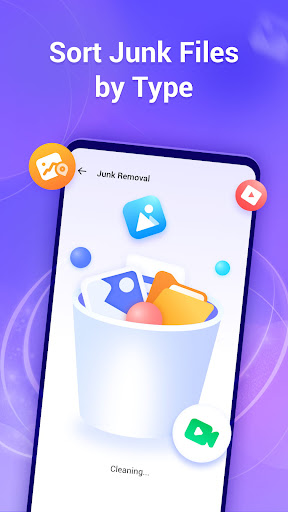
Junk file removal for storage saving
App locking for enhanced security
Pros
- +Intuitive File OrganizationMiraManager provides a user-friendly interface that allows quick navigation and file categorization, improving productivity.
- +Advanced Search FunctionalityIts robust search features enable users to locate files instantly using filters like name, type, or date, saving time.
- +Built-in Security FeaturesThe app offers encryption options and permission controls, enhancing the safety of sensitive data.
- +Multiple Cloud Service SupportSeamlessly integrates with popular cloud platforms like Google Drive and Dropbox, facilitating easy file management across services.
- +Batch OperationsAllows users to perform mass file operations such as copying, moving, or deleting, increasing efficiency.
Cons
- -Limited Offline AccessSome features require constant internet connection; offline functionality could be expanded for better usability.medium
- -Occasional App CrashesUsers might experience sporadic crashes when handling large files; updating to the latest version may resolve this issue.low
- -Minimal Customization OptionsThe interface customization is limited; future updates may introduce themes or layout adjustments to enhance user experience.low
- -Limited Support for Some File TypesCertain niche file formats are not fully supported; temporary workaround involves converting files beforehand.low
- -No Built-in File Preview for Certain FilesPreviewing some document types may require external apps; official plans include expanding preview support in future releases.medium





