
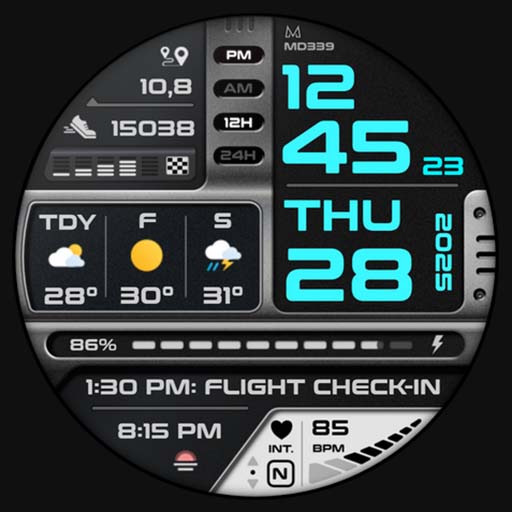
MD339 Digital watch face
MD339 Digital Watch Face, a stylish and feature-rich Wear OS app. Fully customizable with weather, health, and shortcuts. Get the latest version now!
Screenshots
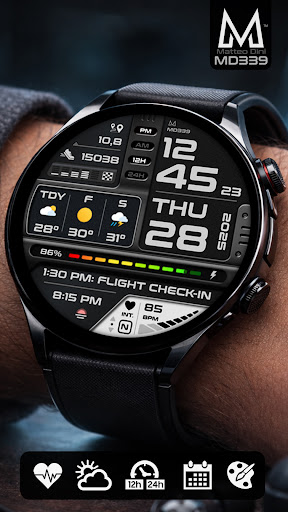
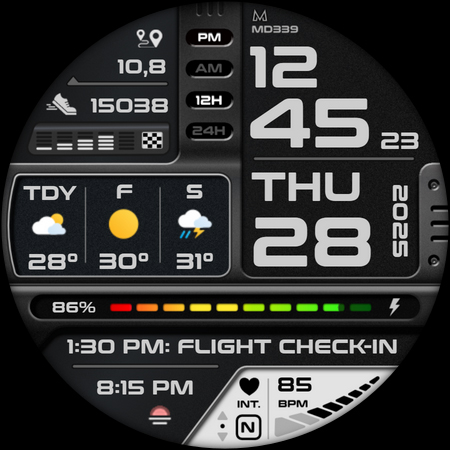
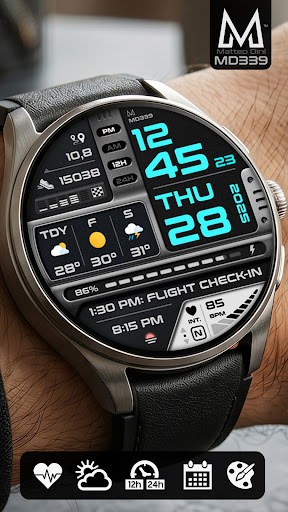
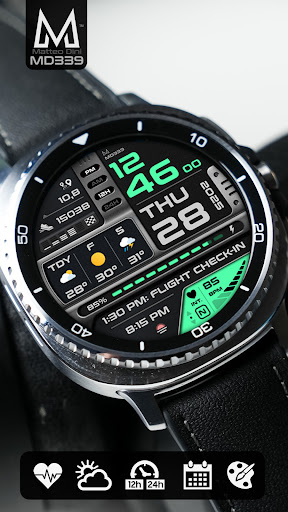
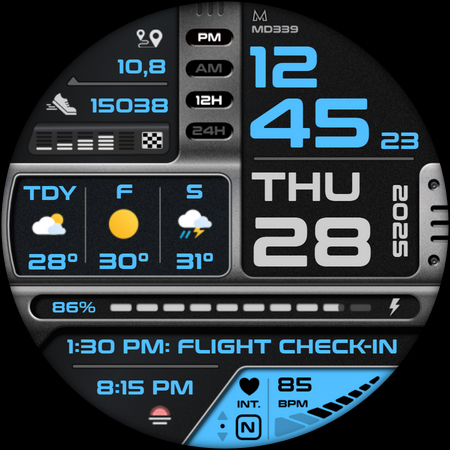
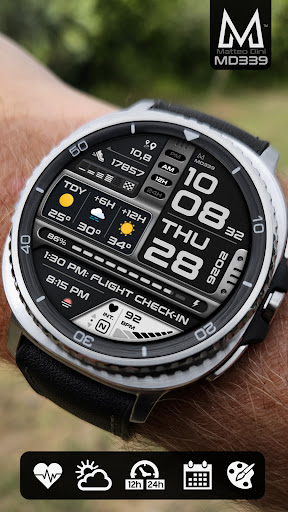
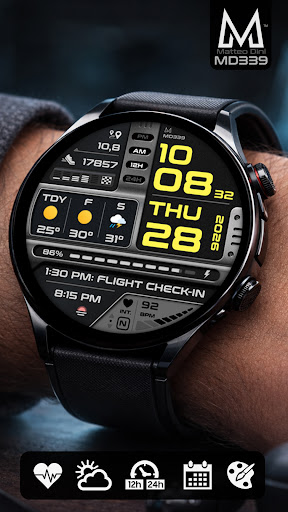
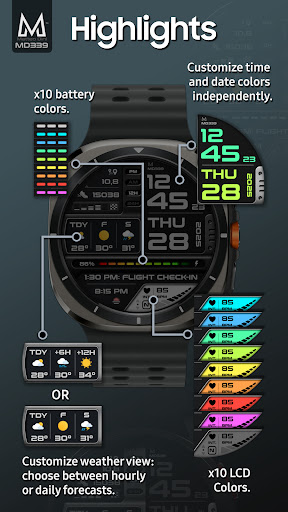
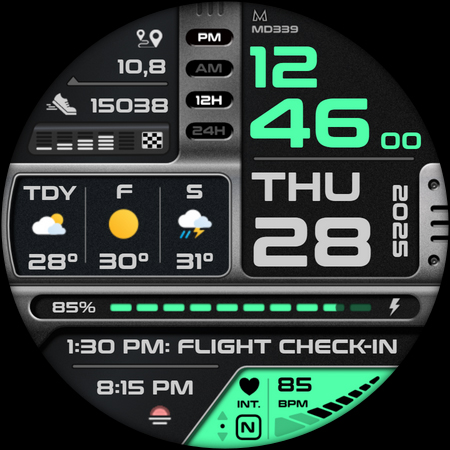
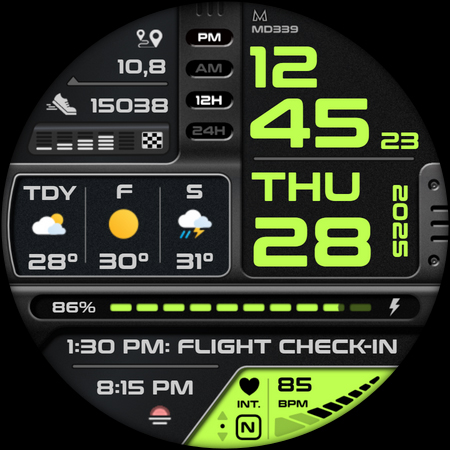
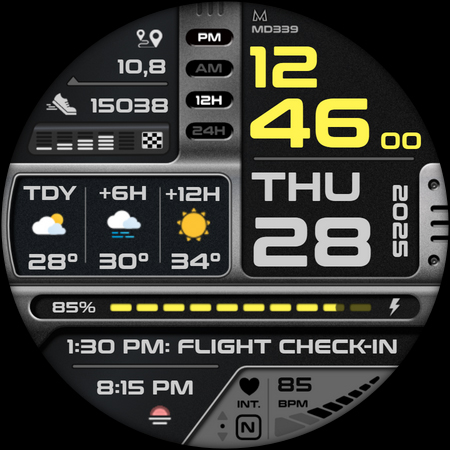
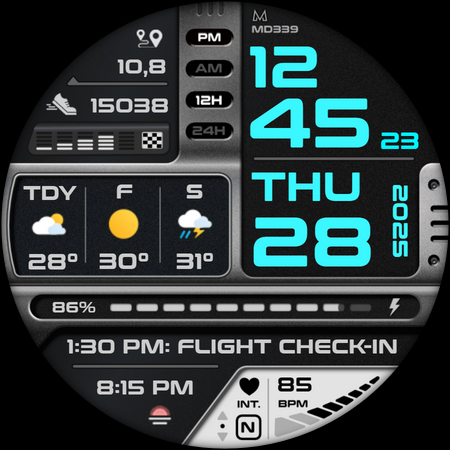
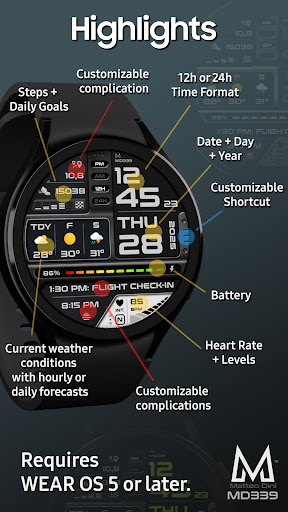
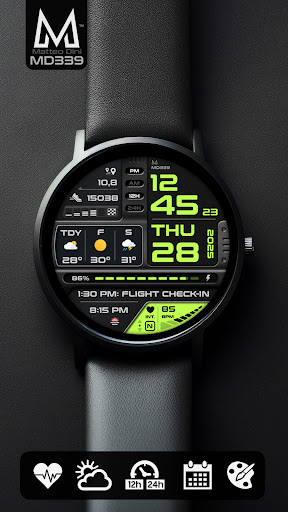
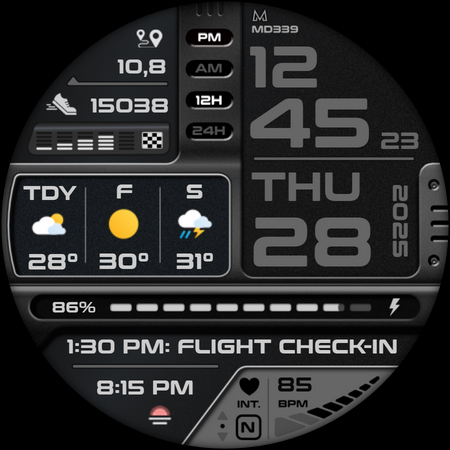
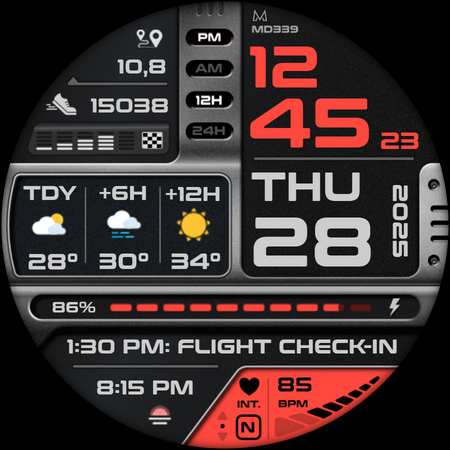
Download MD339 Digital watch face
You are going to be redirected to the official website to finish the download when you click the button below.
About MD339 Digital watch face
The MD339 Digital Watch Face is a versatile Android app designed to enhance your smartwatch experience. It offers a sleek and customizable digital watch face that provides quick access to essential information at a glance. As a reliable app-based solution, it aims to improve the overall app experience by combining ease of use with visually appealing designs.
Overview
Core Features
- Customizable watch faces with various themes and styles to match your personality and mood.
- Easy-to-use interface that allows quick adjustments of time, date, and other display settings.
- Real-time sync with your device to ensure accurate time display at all times.
- Battery-efficient design that preserves your phone and smartwatch battery life during use.
- Supports offline mode, so you can enjoy the app features even without an internet connection.
- Seamless integration with Android phones, providing a smooth app experience on compatible devices.
- Multiple layout options to serve as an attractive launcher app for your smartwatch or phone.
Who This App Is For
This mobile app is ideal for tech-savvy users who enjoy customizing their smartwatch or Android device to reflect their personal style.
Casual users seeking an intuitive app-based solution to enhance their device's appearance and functionality will find this app highly useful for daily use and special occasions.
Why Choose This App
This app offers a comprehensive set of app features that provide a personalized and reliable app experience, setting it apart from similar launcher apps.
With its user-friendly design and consistent updates, it ensures users get an engaging, trustworthy solution to make their devices truly unique and functional.
Features
Modern customizable watch face for Wear OS devices
Enhanced personalization for individual style and needs
Quick access to health, weather, and activity data
Seamless integration with external apps and complications
Clear weather updates with forecast options
Efficient battery management with themes and modes
Easy setup and customization for user preferences
Broad compatibility with latest Wear OS models
Pros
- +Customizable watch facesAllows users to personalize their displays with a variety of design options.
- +Live weather updatesProvides real-time weather information directly on the watch face.
- +Low battery consumptionOptimized to ensure minimal impact on smartwatch battery life.
- +Intuitive interfaceUser-friendly layout makes it easy to select and customize watch faces.
- +Wide compatibilityWorks smoothly across multiple smartwatch models and brands.
Cons
- -Limited free designs availableMany premium watch faces require a purchase, which may deter some users.medium
- -Customization options could be expandedCurrently, customization is somewhat limited; future updates may introduce more features.low
- -Some users experience lag during app navigationPerformance issues on older devices may cause slight delays when switching faces.medium
- -Weather accuracy varies by locationWeather data may not always be perfectly synchronized; users can try refreshing or restarting the app.low
- -Limited language optionsCurrently supports only a few languages, but expanding support is anticipated in future updates.low
FAQ
Is the MD339 Digital watch face app safe to use on my mobile device?
Yes, the MD339 Digital watch face app is developed by a reputable developer and available on official app stores like Google Play and the Apple App Store, ensuring its safety for your device. It regularly undergoes security checks to keep your data protected.
Since it's an Android app and compatible with multiple devices, it's important to download it through trusted sources. Using official channels helps safeguard your device against malware or security issues, providing you with a trustworthy app experience for customizing your smartwatch display.
How do I install the MD339 Digital watch face app on my device?
Installing the MD339 Digital watch face app is straightforward. For Android users, you can find it on Google Play by searching for the app name or via the provided link. It's compatible with most Android-based devices and easily integrates with your existing launcher app.
For iPhone users, the app is available on the Apple App Store. Simply search for the app name or use the link provided. Once installed, you can customize your watch face and enjoy the app features tailored to your preferences.
Does the MD339 Digital watch face app work with all smartwatches?
The MD339 Digital watch face app is designed primarily for compatibility with popular smartwatch models that support custom watch faces, such as those running Wear OS or similar platforms. It works well with most Android-based smartwatches, especially when used with a launcher app that supports custom watch faces.
For best results, check your smartwatch's compatibility specifications. This app offers a rich set of app features that enhance your app experience, making it a versatile solution for many wearable devices.
Can I update the MD339 Digital watch face app easily?
Yes, updates for the MD339 Digital watch face app are available through app stores like Google Play and the Apple App Store. Regular updates improve the app features, fix bugs, and enhance overall app experience.
Make sure your device is connected to the internet, and enable auto-updates for a seamless experience. Staying up-to-date ensures you get the latest app-based solutions for customizing your watch face on Android and iOS devices.
Are there any subscription costs or in-app purchases for this app?
The MD339 Digital watch face app offers a range of app features, some of which may include in-app purchases or premium options. However, its core functionalities are usually available without additional costs, making it accessible for most users.
Always review the app description and user reviews on the app store to understand any potential costs. This approach helps you enjoy a reliable app experience without surprises.





