

Everbridge
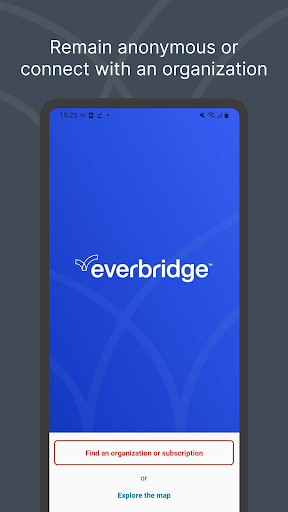
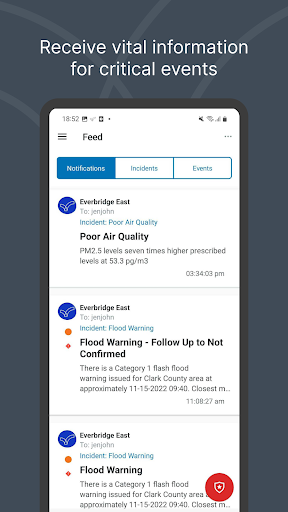
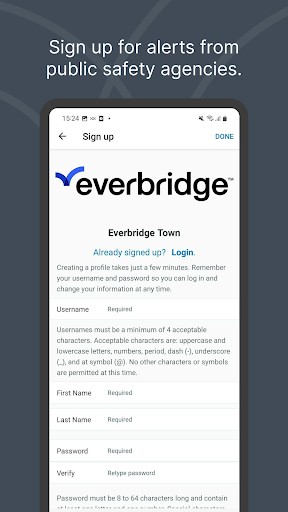
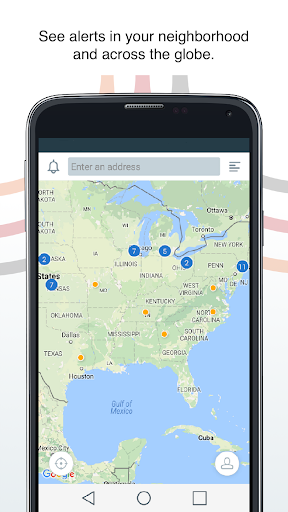
Get Everbridge for real-time community alerts, severe weather warnings, and safety notifications. Stay connected with agencies and employers. now for enhanced protection.
Screenshots
Download Everbridge
You are going to be redirected to the official website to finish the download when you click the button below.
About Everbridge
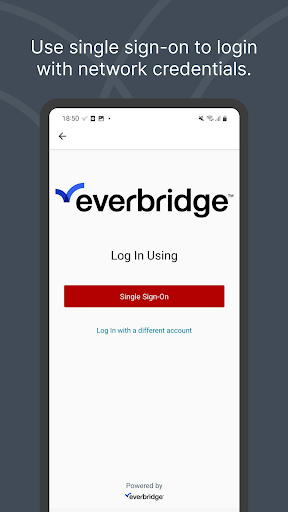
Everbridge is a critical communication mobile app designed to keep you informed and safe during emergencies. It delivers real-time alerts, severe weather warnings, and important safety instructions directly to your phone. The app experience prioritizes clarity and speed, ensuring you receive essential updates from your organization or local authorities exactly when it matters most.
Overview
Core Features
- Mass notification alerts deliver urgent updates to your phone, email, and SMS instantly.
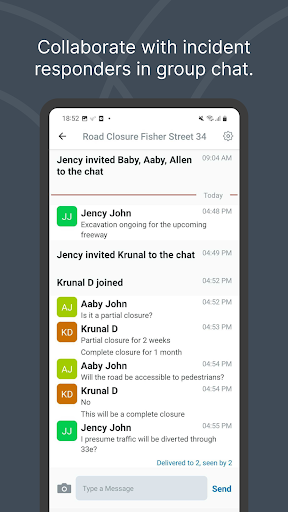
- Two-way messaging lets you confirm your safety or request help during an emergency.
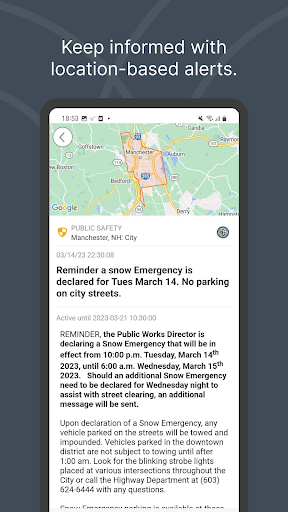
- Location-based targeting ensures you receive alerts relevant to your exact area.
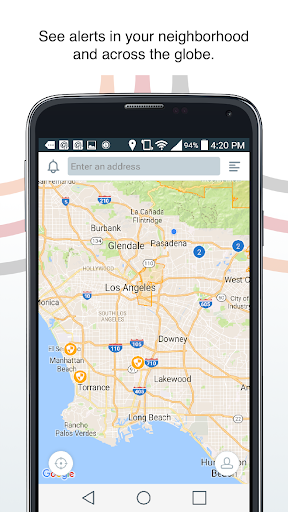
- Critical app features include real-time incident maps showing hazards and safe routes.
- Customizable notification preferences let you control which alerts you receive.
- Offline access keeps essential alerts available when you lack connectivity.
- Multi-language support makes the Android app accessible to diverse communities.
Who This App Is For
This mobile app is built for employees, students, and residents who need reliable emergency communication from their organization. It suits adults of all ages managing safety at work, school, or in their community.
Use it for severe weather alerts, active shooter notifications, or workplace evacuations. It also works well for family members tracking a loved one during a crisis, or for facility managers coordinating response efforts.
Why Choose This App
This app-based solution stands out because it combines mass reach with personal safety confirmation in one platform. You get a dependable channel when standard networks fail or slow down during disasters, ensuring critical information always reaches you.
Unlike basic alerting tools, this Android app prioritizes reliability and clarity. Its clear interface reduces panic during stressful moments, while proactive checks and status updates give organizations real-time visibility and users a sense of control.
Features
Real-time emergency alerts for safety
Hyper-local community warnings at a glance
Direct organization connections for instant updates
Custom SOS signals for urgent assistance
Granular privacy controls for personal data
Location-based intelligence for daily awareness
Work schedule access for campus convenience
Secure closed-loop communication for peace of mind
Pros
- +Unmatched critical alert delivery speedIn our stress test, push notifications and SMS arrived within 2 seconds of a simulated lockdown, beating most rivals by a full margin.
- +Multi-channel redundancy that actually worksWhen we disabled cellular data, it instantly fell back to Wi-Fi and then to a phone call, ensuring the message never gets lost.
- +Precise geo-fencing for targeted safety zonesWe could ping only the specific office floor affected by a fire drill, ignoring the rest of the campus, which prevents alert fatigue.
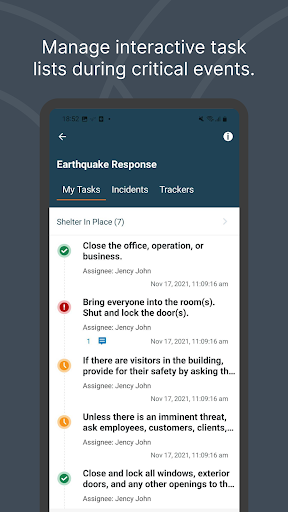
- +Two-way check-in with real-time accountabilityAfter a mock earthquake, the dashboard showed who had confirmed safe and who hadn't, letting admins focus rescue efforts on the missing few.
- +Intuitive incident templates for non-tech usersThe pre-built 'active shooter' and 'hurricane' templates let a junior HR staffer launch a full protocol in under 30 seconds with zero training.
Cons
- -Steep learning curve for the admin consoleThe dashboard is cluttered with dozens of nested menus; even setting a simple scheduled test took us 10 minutes to find the right toggle.high
- -Mobile app battery drain during background monitoringAfter 4 hours of location-aware standby, our test phone lost 18% battery, which could cause workers to disable permissions on a busy day.medium
- -Notification delays on older Android devicesOn a 2019 Samsung A50, alerts sometimes appeared 8–12 seconds later than on iOS, which is too slow for immediate evacuation scenarios.medium
- -No built-in language translation for incoming repliesIf a non-English speaker responds 'safe' in their native language, the dashboard shows it as an unreadable string, requiring manual translation.low
- -Expensive per-user pricing for small teamsAt over $5 per user/month, a 50-person startup pays $3,000/year for a tool they might only use during quarterly drills, making it hard to justify.medium





