
DJ Music Mixer - DJ Drum Pad
Create pro DJ mixes with DJ Music Mixer - DJ Drum Pad. Mix songs, make beats, edit audio & cut ringtones. Free virtual DJ studio. now!
Screenshots
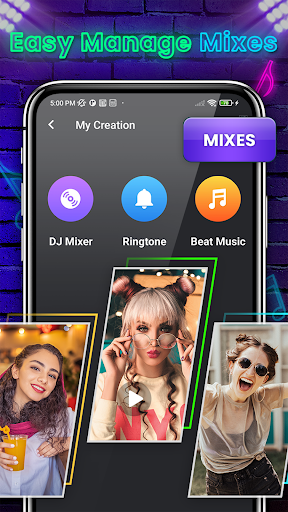
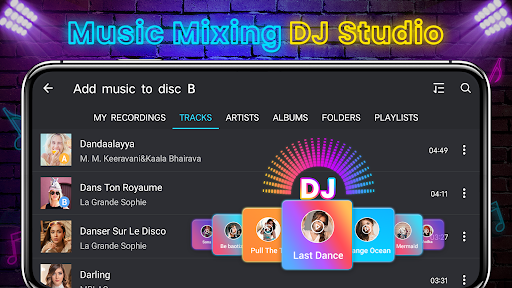
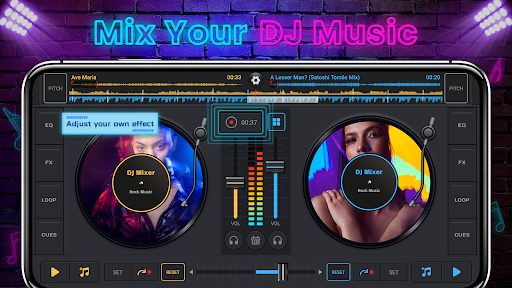
Download DJ Music Mixer - DJ Drum Pad
You are going to be redirected to the official website to finish the download when you click the button below.
About DJ Music Mixer - DJ Drum Pad
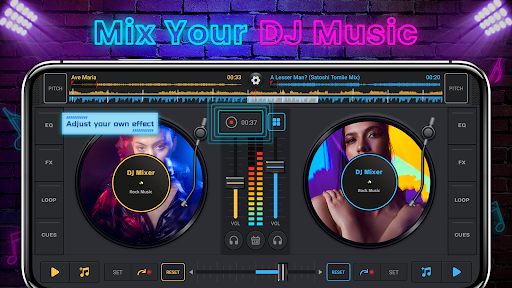
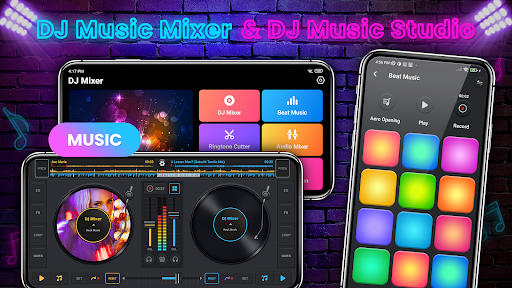
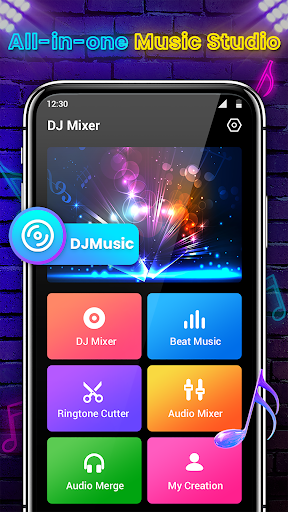
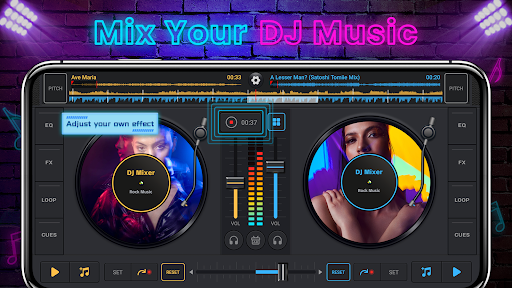
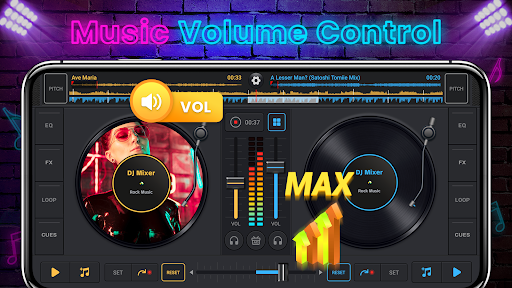
DJ Music Mixer - DJ Drum Pad is a mobile app that turns your Android device into a powerful DJ mixing console. It allows users to create seamless music mixes, apply audio effects, and trigger drum pads for live performances. The app experience is designed for both beginners and experienced DJs, offering intuitive controls and real-time sound manipulation.
Overview
Core Features
- Key app features include real-time beat mixing to blend tracks smoothly.
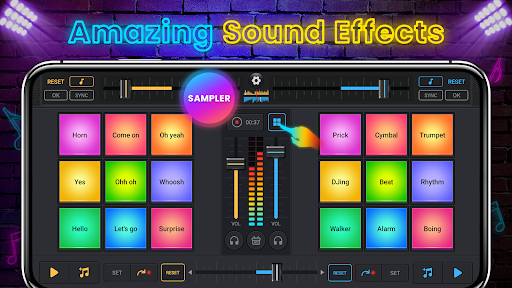
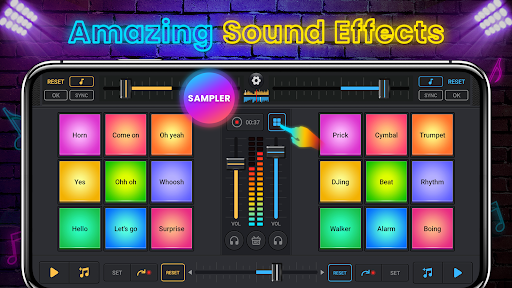
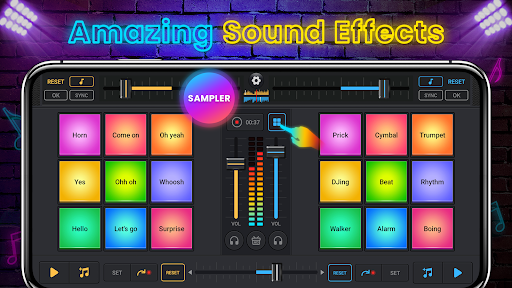
- A vast library of drum pads, samples, and effects sparks your creativity.
- Record your mixes with the built-in audio recorder and share them instantly.
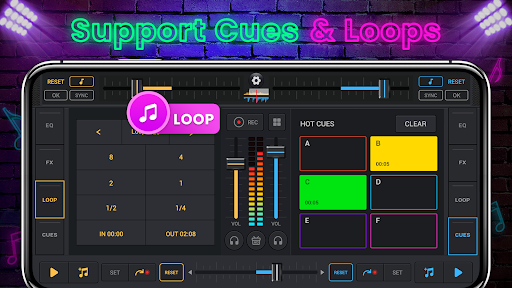
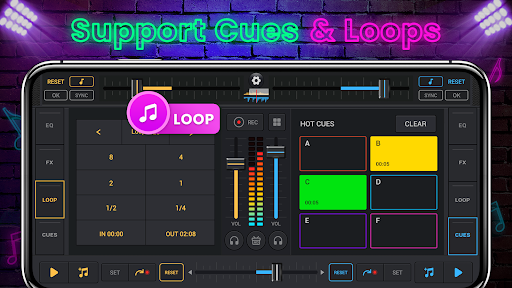
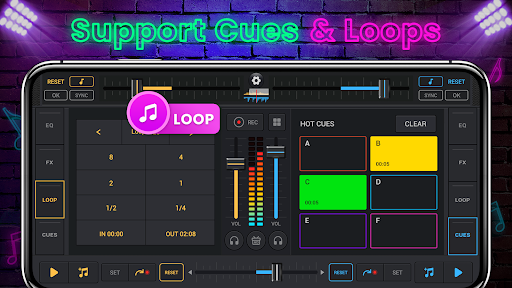
- Loop and sampler tools let you layer sounds for professional-sounding tracks.
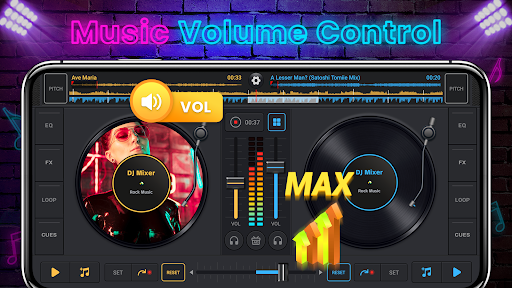
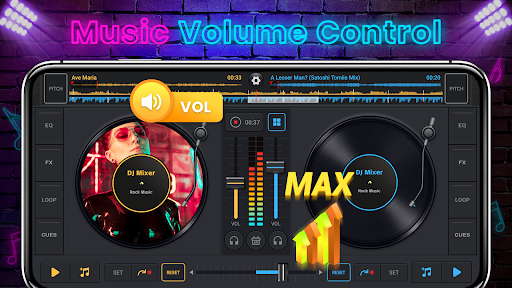
- This mobile app offers intuitive touch controls for volume, tempo, and effects.
- Offline mode ensures you can mix anytime, even without an internet connection.
- Regular updates keep the sound library fresh and the Android app performance strong.
- The app experience is enhanced by crisp audio quality and low latency response.
Who This App Is For
This mobile app is perfect for teenagers and young adults who love electronic music and want to try DJing. It also appeals to hobbyists and party hosts looking for an easy way to create lively mixes.
Use it at house parties to keep the energy high, or practice your beatmatching skills during commutes. Aspiring DJs can experiment with different genres without needing expensive gear.
Why Choose This App
This Android app gives you a full-featured DJ studio in your pocket. No subscriptions or hidden fees -- you get all the tools from the start.
Its app features are tailored for both fun and serious mixing, with an intuitive layout that anyone can pick up quickly. The responsive pads and real-time effects make mixing feel natural compared to other music apps.
Features
Complete DJ music mixer for creative remixes
Real cross fader for authentic club feel
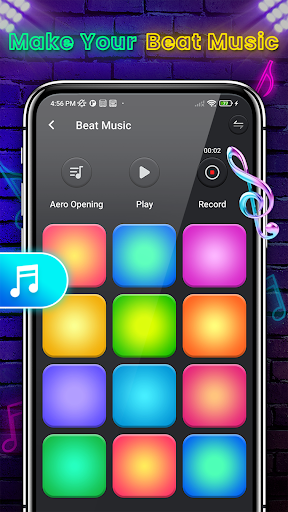
High-quality beat maker for rhythmic creativity
Live recording for instant mix capture
Audio merger for seamless track blending
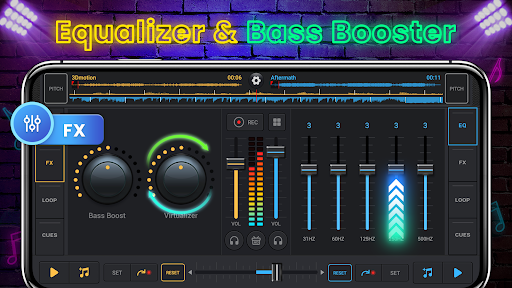
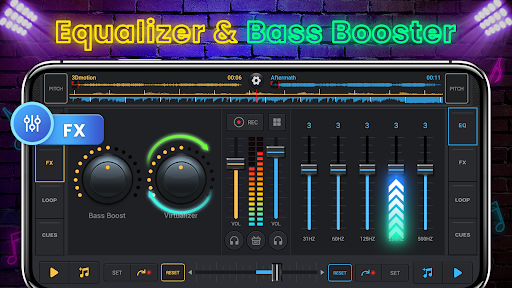
Professional effects for dynamic sound shaping
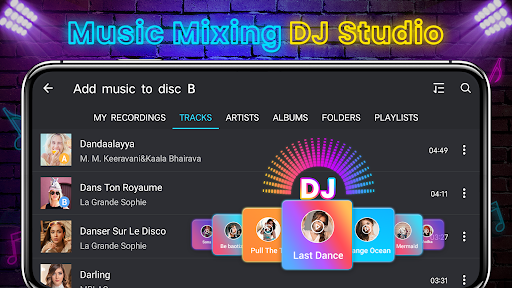
Easy library import for personal playlists
Share mixes directly with friends
Pros
- +Intuitive drum pad layoutThe grid-style pads are color-coded and responsive, making it easy for beginners to trigger beats like a real DJ controller.
- +Rich sound library with genre varietyIncludes over 100 high-quality samples across hip-hop, EDM, and trap, allowing users to mix without external downloads.
- +Low-latency real-time mixingEffects like filter, echo, and flanger apply with minimal delay, critical for live performance and beat synchronization.
- +Built-in recording and sharing featuresUsers can capture up to 10-minute mixes directly in-app and export to social platforms like TikTok or Instagram in one tap.
- +Customizable pad sensitivity and quantizationAdvanced settings let you adjust pad velocity and snap timing to 1/16 or 1/32 notes, suiting both casual and pro workflows.
Cons
- -Intrusive full-screen ads between mixesAfter every 3-4 tracks, a 15-second video ad interrupts the flow, which can break immersion during a live set. Impact level: highhigh
- -Limited free sound packs behind paywallOnly 20 of the 120 samples are unlocked for free; users must spend $4.99 for premium packs like 'Orchestral' or 'Dubstep'.high
- -No MIDI controller supportThe app relies solely on touch input; connecting an external device like a Novation Launchpad is not possible, restricting hybrid workflows.medium
- -Audio export capped at 128 kbps for free versionExported MP3 files sound muffled compared to the internal mix; a $3.99 in-app purchase unlocks 320 kbps quality.medium
- -No undo or history for accidental pad pressesIf you trigger the wrong sample during a recording, you must restart the whole take; a simple undo button would save time.low
FAQ
<h3>Is DJ Music Mixer - DJ Drum Pad free to use?</h3>
The app is free to download on Android devices. It offers core mixing features without any upfront cost. Some advanced tools or sound packs may require a purchase, but you can enjoy the basic app experience without spending anything.
<h3>Does the app work offline?</h3>
Yes, you can use DJ Music Mixer offline once it's installed. All the drum pads, effects, and sample loops are stored locally on your phone. This mobile app is perfect for creating beats on the go when you don't have an internet connection.
<h3>Can I record my mixes with this Android app?</h3>
Absolutely. The app has a built-in recording feature that lets you capture your live mixes as audio files. You can save them to your device or share them directly with friends. It's one of the most practical app features for aspiring DJs.
<h3>Is DJ Music Mixer safe for my phone?</h3>
Yes, the app is safe and doesn't require unnecessary permissions. It's a well-reviewed Android app available on the Google Play Store. As with any app based solution, make sure you download it from the official store to avoid security risks.
<h3>How do I import my own music into the app?</h3>
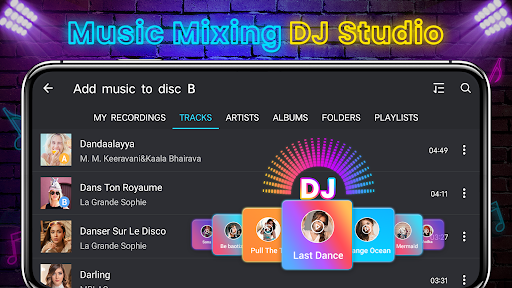
You can import songs from your device's local storage or music library. Just tap the import button and select the tracks you want to mix. The app supports common audio formats, so you can add your favorite songs to create custom mashups.
<h3>Does DJ Music Mixer contain ads?</h3>
Yes, the free version includes ads between mixes. However, they are non-intrusive and don't interrupt your live performance. A premium upgrade option is available to remove ads and unlock extra sound packs, improving the overall app experience.





