

Conversations (Jabber / XMPP)
Conversations, a reliable open source XMPP messaging app for Android. Enjoy encrypted chats, multimedia sharing, and privacy-focused features. Get it now!
Screenshots
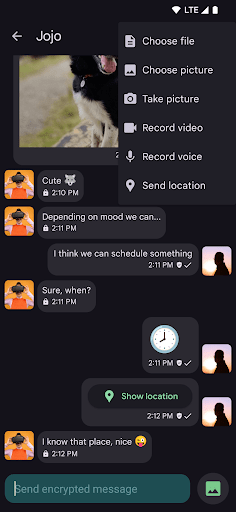
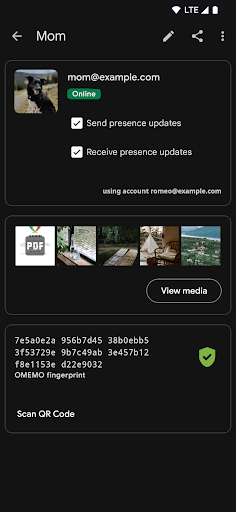
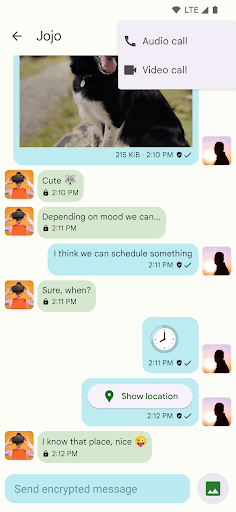
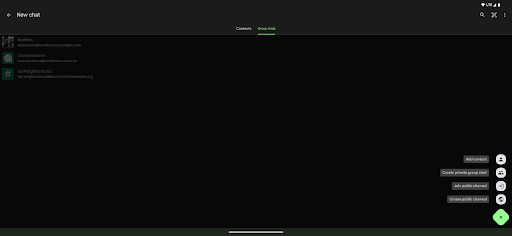
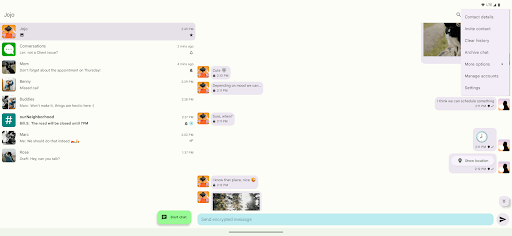
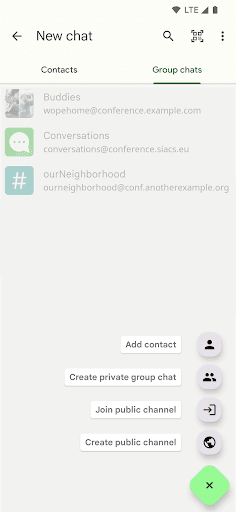
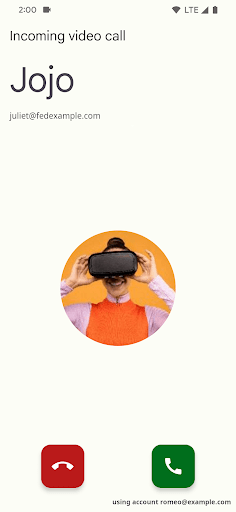
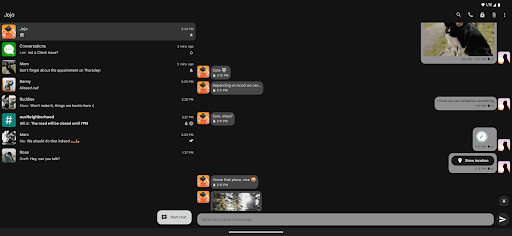
Download Conversations (Jabber / XMPP)
You are going to be redirected to the official website to finish the download when you click the button below.
About Conversations (Jabber / XMPP)
Conversations is a versatile communication app designed for secure and private messaging using the XMPP protocol. As a reliable Android app, it offers a smooth and intuitive app experience for users seeking a secure messaging solution that integrates seamlessly with their existing contacts. Whether for personal or professional use, this app provides robust features to keep conversations private and efficient.
Overview
Core Features
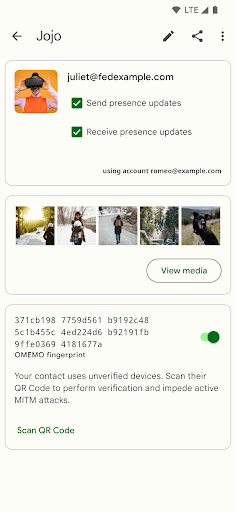
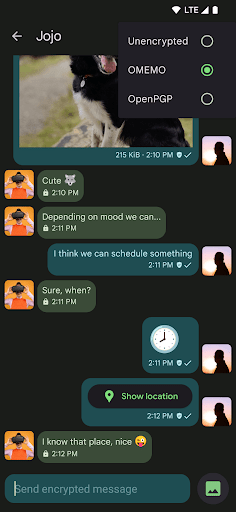
- The app features end-to-end encryption, ensuring secure messaging and protecting user privacy at all times.
- Real-time synchronization allows seamless chat updates across multiple devices, enhancing the app experience.
- Offline mode support enables users to read and compose messages without an internet connection, syncing later when online.
- The lightweight design makes this Android app fast and responsive, even on devices with limited resources.
- Customizable notifications and themes provide a personalized, ad-free experience tailored to user preferences.
- Supports standard XMPP protocols, making it a reliable communication solution for diverse community groups.
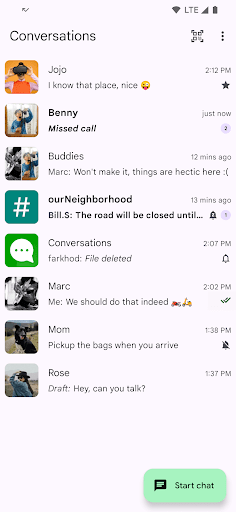
- Search and filter options help users easily locate important conversations or messages within the app.
Who This App Is For
This communication mobile app is perfect for professionals, tech enthusiasts, and anyone needing reliable messaging on Android devices. It's ideal for users who value privacy and secure chat features.
People who want an app-based solution for confidential conversations, group chats, or real-time communication will find this Android app highly useful. It suits both personal and business communication needs perfectly.
Why Choose This App
This Android app stands out by combining robust app features with a focus on security and user control. Its smooth app experience makes instant messaging straightforward and trustworthy.
Designed as a reliable communication solution, it addresses common user concerns like privacy, offline access, and customization, making it a top choice among launcher apps for seamless messaging.
Features
Reliable, privacy-focused messaging for personal and professional use
Open standards ensuring compatibility and customization benefits
End-to-end encryption for private conversations
Secure multimedia sharing and group communication
Customizable interface for personalized user experience
Multi-device synchronization for seamless messaging
Open protocol extensions for advanced chat capabilities
Self-hosted server support for complete control and privacy
Pros
- +Secure and encrypted messagingMaintains user privacy through robust encryption protocols, essential for confidential communications.
- +Decentralized architectureAllows flexibility and control by connecting to multiple servers, reducing reliance on a single service provider.
- +Cross-platform supportAvailable on various operating systems such as Windows, macOS, Linux, Android, and iOS, ensuring seamless device compatibility.
- +Rich multimedia supportEnables sharing of images, files, and voice messages, facilitating comprehensive communication.
- +Customizable interfaces and extensionsOffers plugins and customization options to enhance user experience according to preferences.
Cons
- -Limited user discovery featuresLacks integrated directories or contact recommendation systems, which can make finding new contacts less convenient.Medium
- -Variable server reliabilitySome public XMPP servers may experience downtime or latency issues, affecting message delivery.High
- -Fragmented user experience across clientsDifferent apps may have inconsistent interfaces or features, which could require user adaptation.Medium
- -Limited multimedia protocol supportCertain advanced multimedia features like video calling are less developed compared to mainstream apps; official updates are expected to improve this.Low
- -Security configuration complexityInitial setup for encryption and server selection can be technical for non-advanced users; official documentation or dedicated support can help mitigate this.Medium
FAQ
How do I log into the Conversations app?
Logging into the Conversations app is straightforward. After installing this Android app, you just need to enter your username and password. If you're new, creating an account is simple within the app itself.
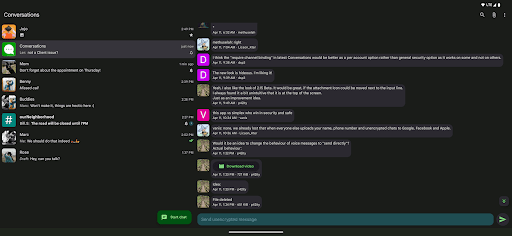
This app offers a seamless login experience, making it easy to start messaging right away. Its intuitive interface ensures you can access your conversations without any hassle, whether on a mobile device or a tablet.
Is the Conversations app safe to use?
Yes, the Conversations app is designed with security in mind. It uses end-to-end encryption to protect your messages, giving you peace of mind during every chat session. Trustworthy and reliable, this app adheres to the best security practices.
If you're concerned about privacy, you'll appreciate how this app handles your data. As a well-established communication tool, it's built to provide a safe app experience for users worldwide.
Can I use this app as my default launcher app?
No, Conversations is not a launcher app. It specializes in messaging and communication based on the XMPP protocol. If you're looking for a launcher app, you might want to explore different options built specifically for that purpose.
However, if your main goal is to communicate securely and efficiently, this mobile app offers an excellent app features set to enhance your messaging experience on Android devices.
What are the key app features of Conversations?
This app features include real-time messaging, support for multiple chat rooms, and multimedia sharing. It also offers customizable notifications and syncing across devices, making it a solid app based solution for modern communication needs.
The interface is user-friendly, allowing you to manage contacts easily and personalize your messaging experience. Its open-source nature means frequent updates and community support, ensuring ongoing reliability and security.
How does the app experience enhance communication?
The app provides a smooth and responsive app experience, making conversations effortless and natural. Its streamlined design minimizes distractions, allowing you to focus on your chats without confusion or lag.
Whether for personal or professional communication, the Conversations app ensures that your messages are delivered quickly and reliably. Its mobile app capabilities make staying connected on the go simple and efficient.
Is this app suitable for enterprise or business use?
Absolutely, the Conversations app is a solid choice for enterprise communication. Its secure app features and flexible setup support team collaboration within organizations. Plus, it's compatible with various platforms for seamless integration.
Using this app based solution, businesses can maintain private messaging channels with confidence. It offers a robust, reliable way to stay connected in a professional environment.
Does this Android app support offline messaging?
Yes, the Conversations app offers offline messaging capabilities. You can read and compose messages even without an internet connection. Once you're back online, messages automatically sync with the server.
This feature helps maintain your app experience without interruptions, ensuring you stay connected whenever needed, regardless of network availability.
What versions of the app are available, and are updates reliable?
The Conversations app is regularly updated to improve features and security. It's compatible with the latest Android versions, ensuring a smooth app experience on newer devices. Updating ensures you get the latest app features and protection enhancements.
As an established communication tool with an active development community, you can trust that this app remains reliable and secure over time, making it a dependable app based solution for your messaging needs.





