
Clean Planner
Clean Planner, a top-rated Android & iOS app for device cleaning, storage management, and battery optimization. Free for better performance.
Screenshots
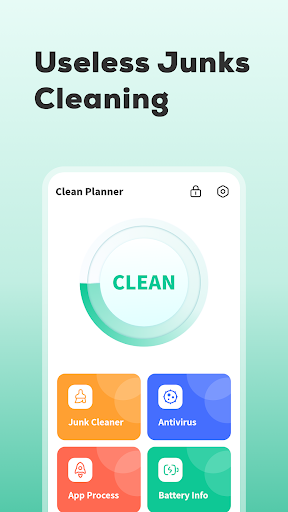
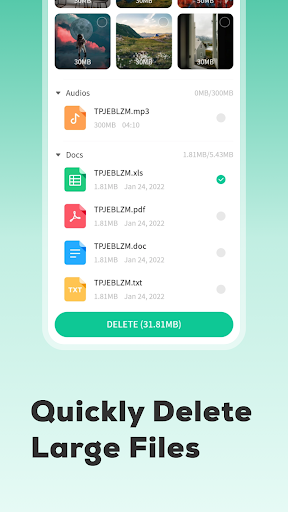
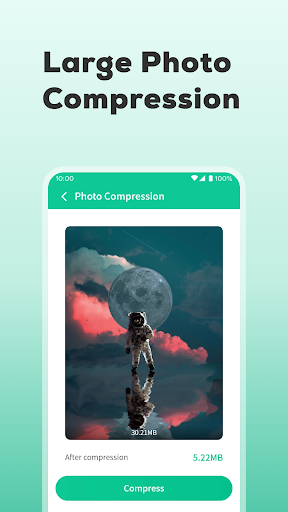
Download Clean Planner
You are going to be redirected to the official website to finish the download when you click the button below.
About Clean Planner
Clean Planner is a versatile mobile app designed to help users organize their daily tasks and routines efficiently. As an intuitive Android app, it offers a simple yet powerful app experience that streamlines planning and time management. Its user-friendly interface and useful app features make it a reliable app-based solution for maintaining productivity.
Overview
Core Features
- Intuitive task management with customizable categories and priorities to keep your schedule organized.
- Real-time sync across devices ensures your app experience remains seamless whether on your phone or tablet.
- Offline mode allows users to access and update their plans even without an internet connection.
- Reminders and notification alerts help you stay on top of important tasks and deadlines.
- Easy-to-use interface designed specifically as a launcher app for quick access to key productivity tools.
- Supports detailed notes and attachments, enhancing the app features for comprehensive task tracking.
- Compatibility with Android devices ensures a smooth app experience on a wide range of smartphones.
- Data security and privacy features build trust, making it a reliable app-based solution for personal and professional use.
Who This App Is For
This mobile app is ideal for busy professionals, students, and anyone looking to stay organized on their Android device. Its simple design appeals to users who want an efficient task management solution without complexity.
If you're seeking a reliable app-based solution to streamline your daily routine, this app helps you plan and prioritize effortlessly. Whether for work, home, or personal projects, it adapts to diverse scenarios for an improved app experience.
Why Choose This App
This Android app stands out with its user-friendly interface and robust app features that improve productivity. Its offline capabilities and real-time sync ensure a consistent app experience wherever you are.
By addressing common organizational challenges and providing a trustworthy app-based solution, it offers practical benefits that make it a top choice compared to other tools in the market.
Features
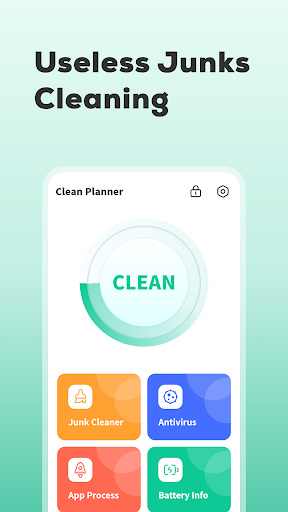
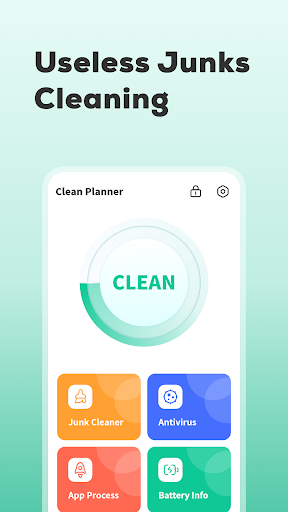
Clear Device Management for Optimal Performance
Effortless Cleanup for Faster Usage
Manage Apps to Reduce Clutter
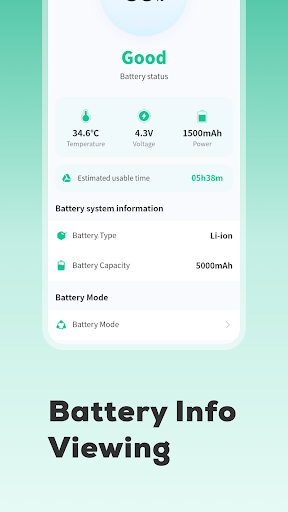
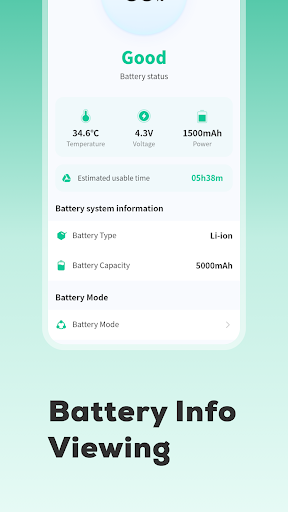
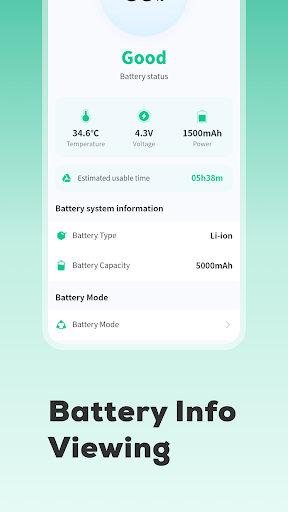
Monitor Battery for Longer Usage
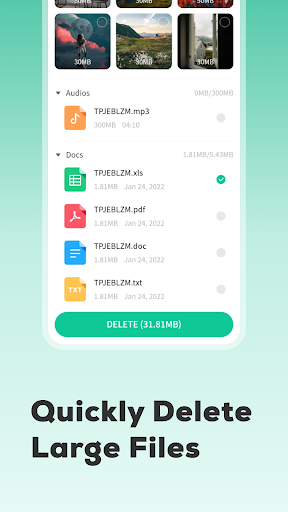
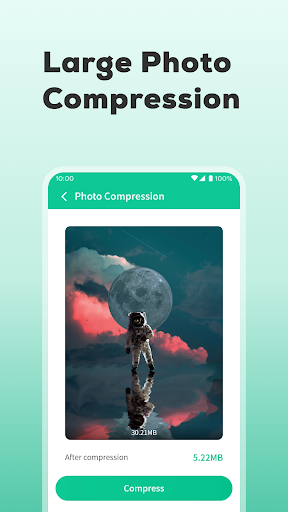
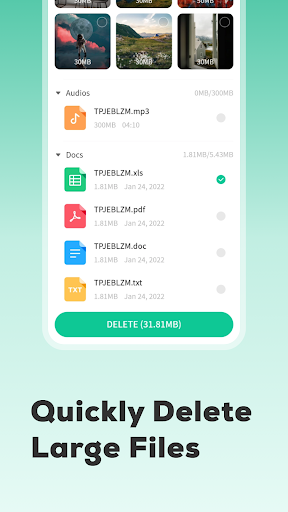
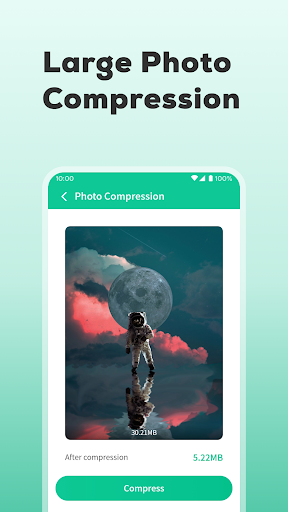
Quickly Free Up Storage Space
Control Background Processes Seamlessly
Identify Battery Health at a Glance
Personalized Tips for Device Optimization
Pros
- +Intuitive User InterfaceThe app offers a clean and straightforward layout, making task organization simple for users of all levels.
- +Effective Task Management ToolsFeatures such as deadlines, reminders, and labels help users prioritize and stay on track.
- +Integration with Calendar AppsSeamless sync with popular calendar platforms ensures users can view tasks alongside their schedules.
- +Customizable RemindersPersonalized notifications assist users in staying timely with their daily routines.
- +Insightful Productivity TrackingProvides visual analytics to monitor progress and motivate consistent habits.
Cons
- -Limited Customization OptionsCurrently, app themes and task categories are fixed; future updates may include more personalization features.low
- -Occasional Sync DelaysSyncing with third-party calendars can sometimes experience minor delays, but re-syncing usually resolves it.medium
- -Basic Free Version FeaturesSome advanced functionalities require a paid subscription, which might limit users on the free plan.medium
- -Mobile Optimization Needs ImprovementCertain screens could benefit from better responsiveness on smaller devices; official updates are expected.low
- -Limited Offline AccessOffline mode offers partial functionality, but full features require internet connection; offline improvements are planned.low
FAQ
Is it easy to create an account or log in on the Clean Planner mobile app?
Yes, creating an account or logging in on the Clean Planner app is straightforward. You can sign in with your email or social media accounts, making access quick and simple for new and returning users.
This smooth app experience ensures you can start organizing your tasks without any hassle, whether you're using it as a planner or launcher app on your Android device.
Does the app work well on different Android devices and versions?
Absolutely. Clean Planner is designed to be compatible with a wide range of Android devices and versions, providing a consistent app experience across phones and tablets.
This app-based solution has been optimized for stability and performance, so you can rely on it regardless of your device's specifications.
What app features should I expect with Clean Planner?
Clean Planner offers a variety of features, including task reminders, customizable categories, and syncing options, making it a versatile tools app for staying organized.
As a launcher app, it also helps you access your schedules quickly and efficiently, providing a seamless app experience tailored for productivity enthusiasts.
Is the app safe to use and free of malware?
Yes, Clean Planner is a safe app to use. It is available on the Google Play Store, where it's regularly reviewed to meet security standards, ensuring your data remains protected.
Always downloading from trusted sources helps maintain safety, and this app-based solution prioritizes user privacy and security at every step.
How often is the app updated or maintained?
The developers of Clean Planner regularly update the app to add new features, improve performance, and fix any bugs. Consistent updates mean you'll continue to enjoy an optimized app experience.
This ongoing maintenance underscores the app's reliability as a tools app designed to support your daily organization needs on your Android device.
Can I customize the app to fit my personal workflow?
Yes, the app features customizable options that allow you to tailor your planner and interface according to your preferences. This flexibility enhances your app experience by making it more personal and efficient.
As a versatile tools app, Clean Planner's customization features help you stay organized your way, whether you're managing daily tasks or long-term goals.
Is this mobile app suitable for beginners or seasoned users?
Clean Planner is designed to be user-friendly, making it suitable for both beginners and experienced users alike. Its intuitive interface ensures that new users can get started quickly without a steep learning curve.
Advanced users will appreciate its comprehensive app features, which provide the flexibility needed for detailed planning and organization.
Where can I find more information or support for this app?
You can find additional information, updates, and support through the app's listing on the Google Play Store. The app developers often provide helpful resources and contact options for user support.
Having a reliable app-based solution like Clean Planner on your Android device means you'll always have access to the latest updates and helpful assistance if needed.