All Document Reader:PDF Viewer

All Document Reader:PDF Viewer

Business3.1.9
3.9

Download All Document Reader: PDF Viewer, the free app for seamless document viewing, editing, and management on Android & iOS. Get the latest version now!

Screenshots
All Document Reader:PDF Viewer Screenshot 1All Document Reader:PDF Viewer Screenshot 2All Document Reader:PDF Viewer Screenshot 3All Document Reader:PDF Viewer Screenshot 4All Document Reader:PDF Viewer Screenshot 5All Document Reader:PDF Viewer Screenshot 6All Document Reader:PDF Viewer Screenshot 7All Document Reader:PDF Viewer Screenshot 8All Document Reader:PDF Viewer Screenshot 9All Document Reader:PDF Viewer Screenshot 10All Document Reader:PDF Viewer Screenshot 11All Document Reader:PDF Viewer Screenshot 12All Document Reader:PDF Viewer Screenshot 13All Document Reader:PDF Viewer Screenshot 14All Document Reader:PDF Viewer Screenshot 15All Document Reader:PDF Viewer Screenshot 16All Document Reader:PDF Viewer Screenshot 17All Document Reader:PDF Viewer Screenshot 18All Document Reader:PDF Viewer Screenshot 19All Document Reader:PDF Viewer Screenshot 20All Document Reader:PDF Viewer Screenshot 21All Document Reader:PDF Viewer Screenshot 22All Document Reader:PDF Viewer Screenshot 23All Document Reader:PDF Viewer Screenshot 24All Document Reader:PDF Viewer Screenshot 25All Document Reader:PDF Viewer Screenshot 26All Document Reader:PDF Viewer Screenshot 27All Document Reader:PDF Viewer Screenshot 28All Document Reader:PDF Viewer Screenshot 29All Document Reader:PDF Viewer Screenshot 30All Document Reader:PDF Viewer Screenshot 31All Document Reader:PDF Viewer Screenshot 32

Download All Document Reader:PDF Viewer

You are going to be redirected to the official website to finish the download when you click the button below.

About All Document Reader:PDF Viewer

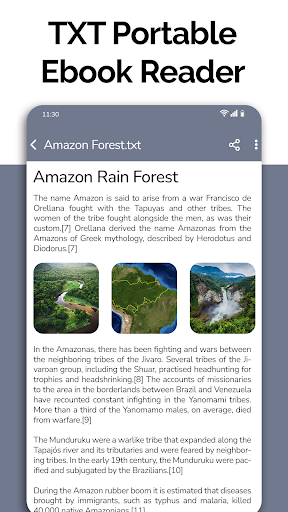
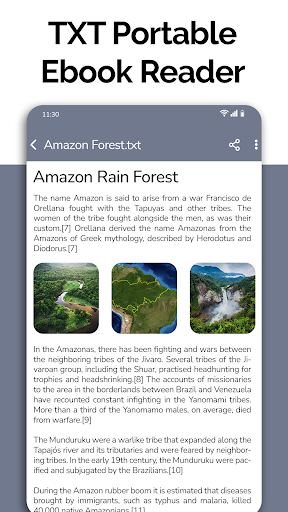
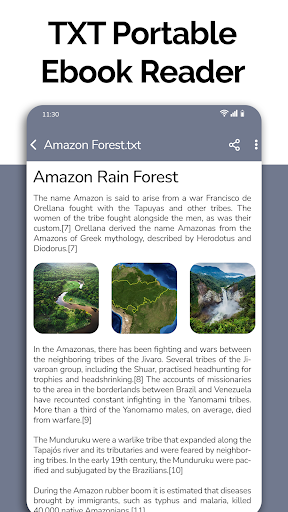
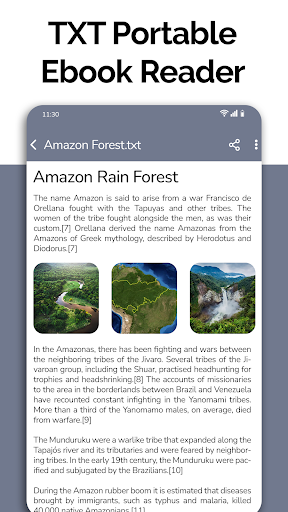
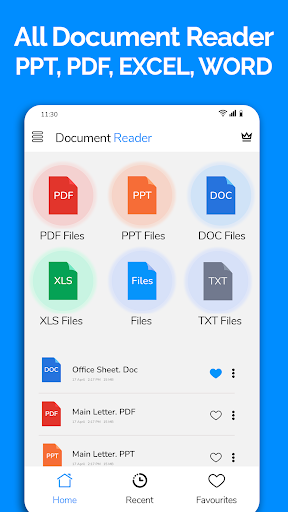
All Document Reader: PDF Viewer is a reliable mobile app designed to help users easily view, read, and manage their PDF and document files on their Android devices. With its user-friendly interface, this Android app offers a seamless app experience for accessing various document formats, making it a practical solution for business professionals and students alike.

Overview

Core Features

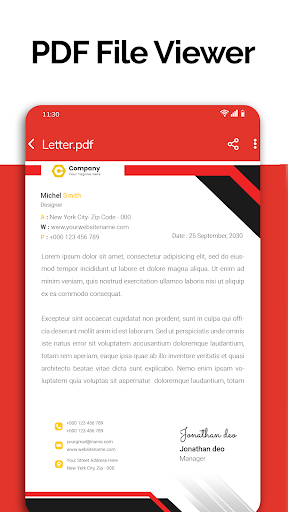
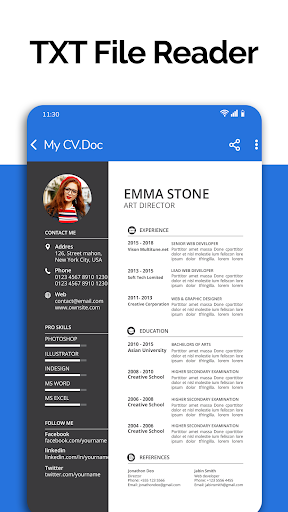
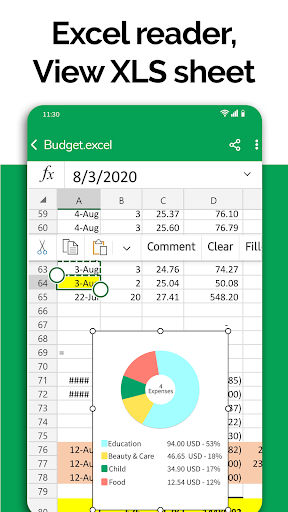
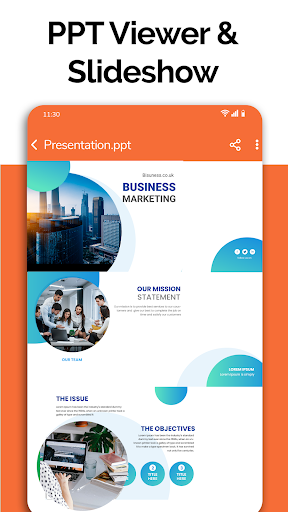
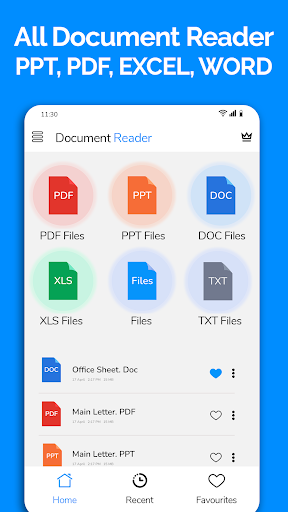
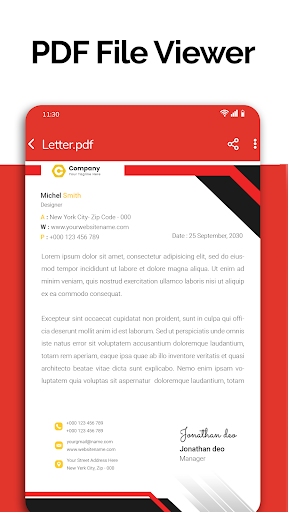
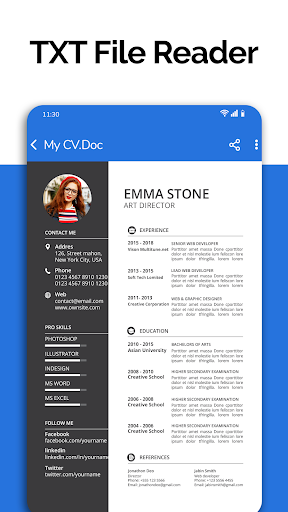
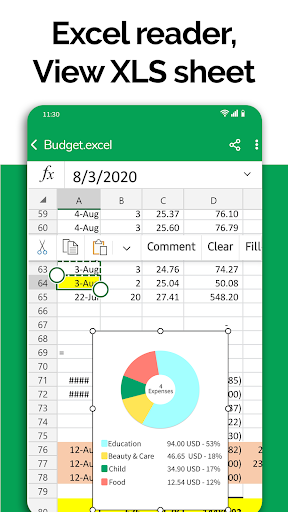
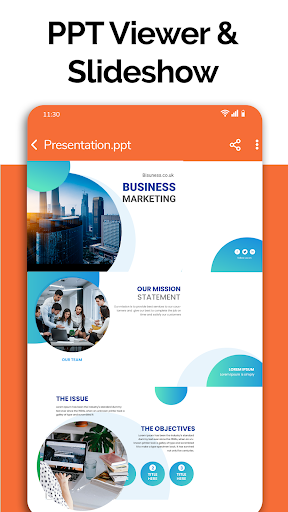
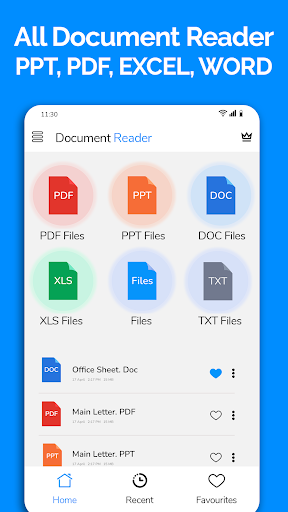
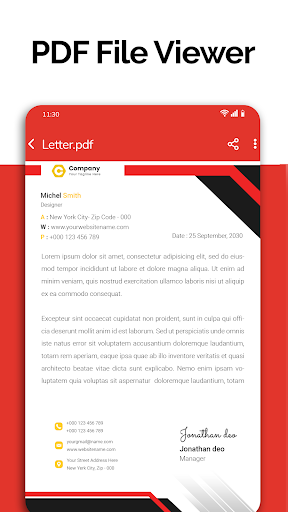
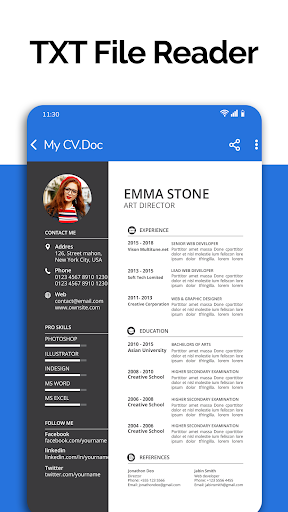
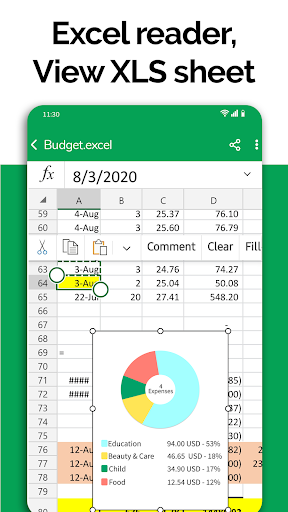
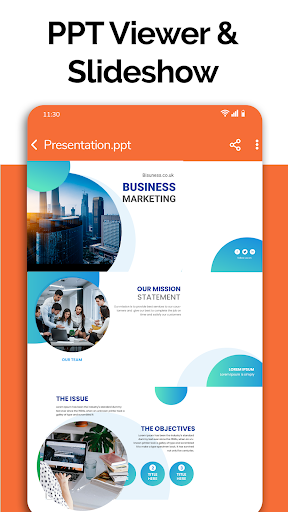
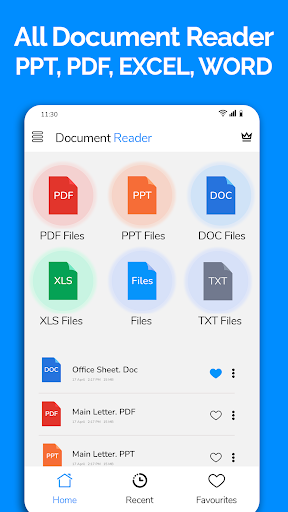
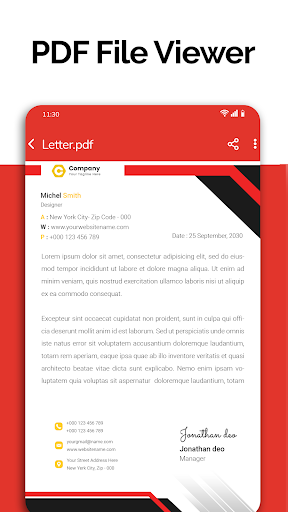
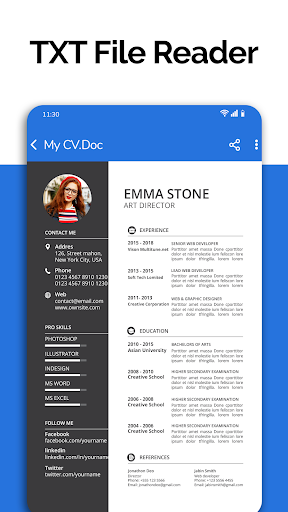
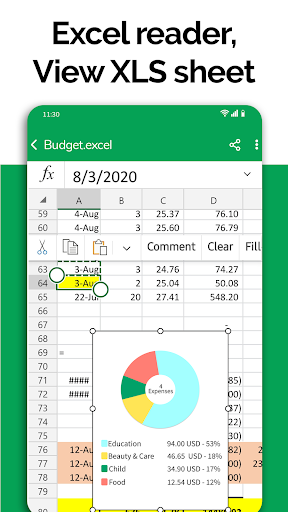
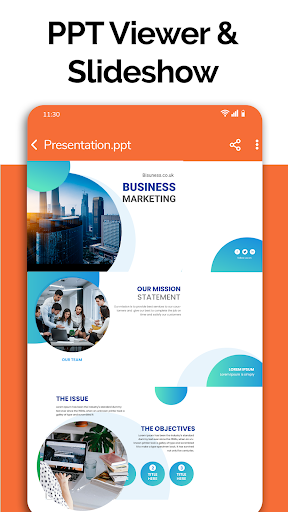
  • Supports viewing and annotating PDF, Word, Excel, and PowerPoint documents seamlessly within the app.
  • Offers an intuitive user interface that makes navigating large documents straightforward and efficient.
  • Includes powerful search and highlighting tools to quickly find key information across files.
  • Provides offline mode, allowing users to access and manage documents without an internet connection.
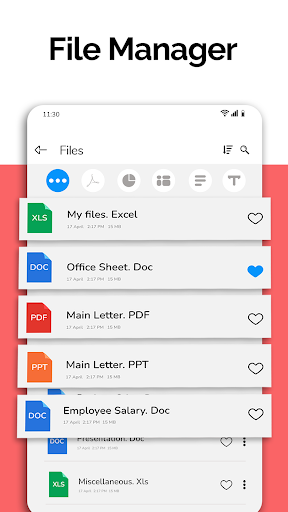
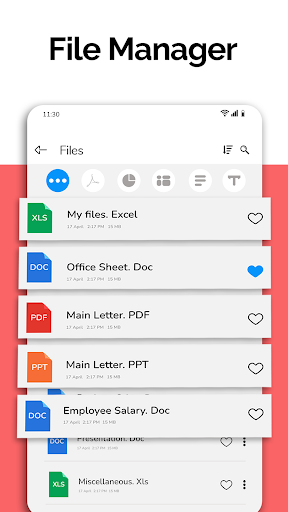
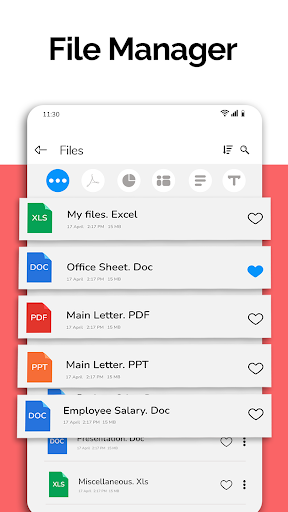
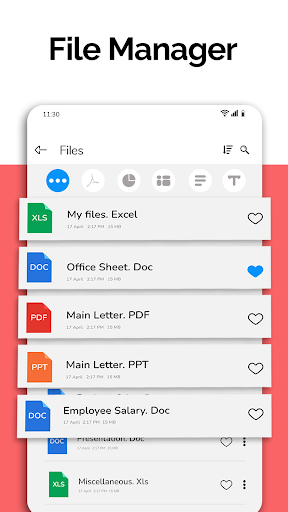
  • Features an integrated file manager that organizes documents and supports cloud storage integration.
  • Supports multiple file formats, making it a versatile app-based solution for document reading needs.
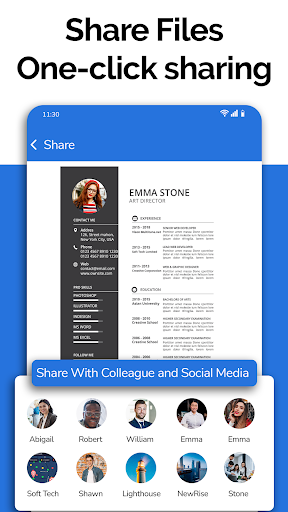
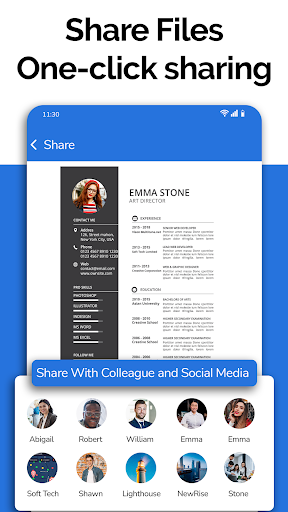
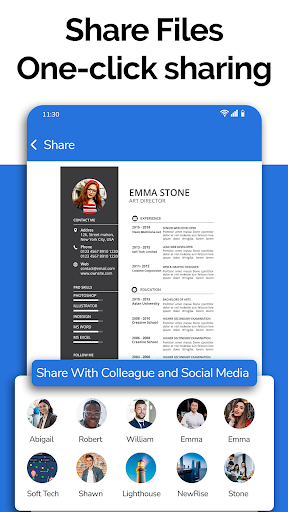
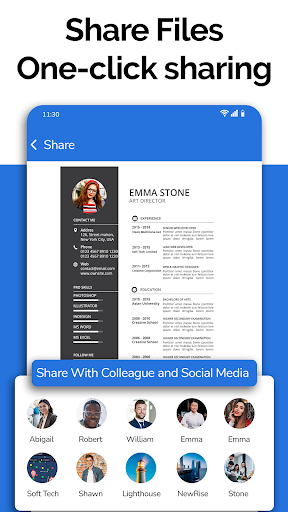
  • Includes easy sharing options to send files directly from the app via email or other platforms.

Who This App Is For

This mobile app is ideal for students, professionals, and business users who frequently read or manage documents on their Android devices. It suits those seeking a reliable app experience for offline reading and annotation.

Whether you need to review reports, annotate PDFs, or organize files, this app-based solution is perfect for users looking for an efficient and user-friendly launcher app for work or study purposes.

Why Choose This App

This Android app stands out with its comprehensive app features and smooth app experience. It offers a trusted solution for handling various document formats conveniently on mobile devices.

Designed to solve common file management problems, it combines reliability, ease of use, and robust functionality—making it a top choice among document reader apps for those who value efficiency and trustworthiness.

Features

Simplifies document access for busy users

Supports all common document formats with ease

Quickly navigate and organize files efficiently

High-quality viewing and editing capabilities

Seamless file management and sharing options

Upcoming dark mode for comfortable reading

Voice search to find files faster

Convert images to PDFs effortlessly

Pros

  • +
    Intuitive PDF Viewing Experience
    Smooth scrolling and zooming make reading PDFs comfortable and efficient.
  • +
    Robust Text Selection and Search
    Quickly locate specific information with accurate text highlighting and search functions.
  • +
    Supports Multiple Document Formats
    In addition to PDFs, it handles various document types, enhancing versatility.
  • +
    Easy Annotations and Bookmarking
    Users can highlight, add notes, and bookmark pages effortlessly for future reference.
  • +
    Cloud Integration Compatibility
    Seamless access to documents stored on different cloud platforms improves accessibility.

Cons

  • -
    Limited Editing Capabilities
    Currently, the app offers minimal editing functions, which may frustrate users needing modifications.
    medium
  • -
    Occasional Slow Loading for Large Files
    Large documents may take a few seconds to open, especially on older devices.
    low
  • -
    Basic Annotation Tools
    Annotations are somewhat limited; future updates could add drawing or advanced markup options.
    low
  • -
    Inconsistent Sync Across Devices
    Syncing annotations or bookmarks sometimes requires manual refresh; an automatic sync feature is expected.
    medium
  • -
    Limited Customization Options
    Appearance and interface customization are minimal; users might look forward to more personalization features.
    low

FAQ

Is All Document Reader: PDF Viewer free to use?

Yes, All Document Reader: PDF Viewer is a free-to-use Android app that provides basic functions for viewing and managing documents without any cost. It's designed to offer a straightforward app experience for users needing quick access to their files. However, some advanced features or premium options may require in-app purchases or subscriptions. As a trusted mobile app, it ensures safety and reliability when handling sensitive documents on your Android device.

Can I view different types of documents with this app?

Absolutely. All Document Reader: PDF Viewer supports a wide range of document formats, including PDFs, Word files, Excel spreadsheets, and more. Its app features are built to give you a seamless app experience regardless of the document type. This versatility makes it a handy launcher app for users who work with various file formats, offering a centralized way to organize and view their documents effortlessly.

Is it safe to install All Document Reader on my Android device?

Yes, All Document Reader: PDF Viewer is a trusted Android app available on the Google Play Store. It has undergone security checks to ensure it does not compromise your device or data. Always download apps from reputable sources and keep your device updated. This app is designed with user safety in mind, providing a reliable solution for document viewing needs on your mobile device.

Does the app have any features that improve productivity?

Yes, the app features include quick document search, easy organization, and options for annotating and highlighting files. These features help improve your app experience by making document management more efficient. As a helpful app based solution, All Document Reader aims to streamline your workflow, whether you're reviewing reports or accessing important files on the go.

Is All Document Reader: PDF Viewer suitable as a launcher app for managing files?

While primarily a document reader, this mobile app also acts as a central hub for opening and managing your files easily. Its user-friendly interface enhances the app experience, making it simple to access different document types from your device. If you're looking for a practical app based solution to organize your files, this app can serve as an effective launcher app, optimized for quick access and efficient document management on Android devices.

Recommended

More →